Automation

Automation - WhatsApp Business feature for Qatar businesses.

Get Started Free
Automation
Key Capabilities

Everything You Get with Automation

Trigger-Based Workflows

Automate actions when contacts are tagged, messages arrive, appointments book, or payments complete.

Sequence Builder

Create multi-step message sequences with time delays — perfect for drip campaigns and onboarding.

Conditional Logic

Branch workflows based on contact properties, message replies, or external webhook data.

Tag Automation

Auto-tag contacts based on behaviour, then trigger downstream sequences and notifications.

Webhook Actions

Send data to external systems or receive triggers from your website, CRM, or e-commerce platform.

Template Variables

Personalise automated messages with contact name, appointment date, order details, and custom fields.

How It Works

See Automation in Action

1

Choose Your Trigger

Pick what starts the automation: a tag added, message received, appointment booked, payment completed, or webhook event from your website.
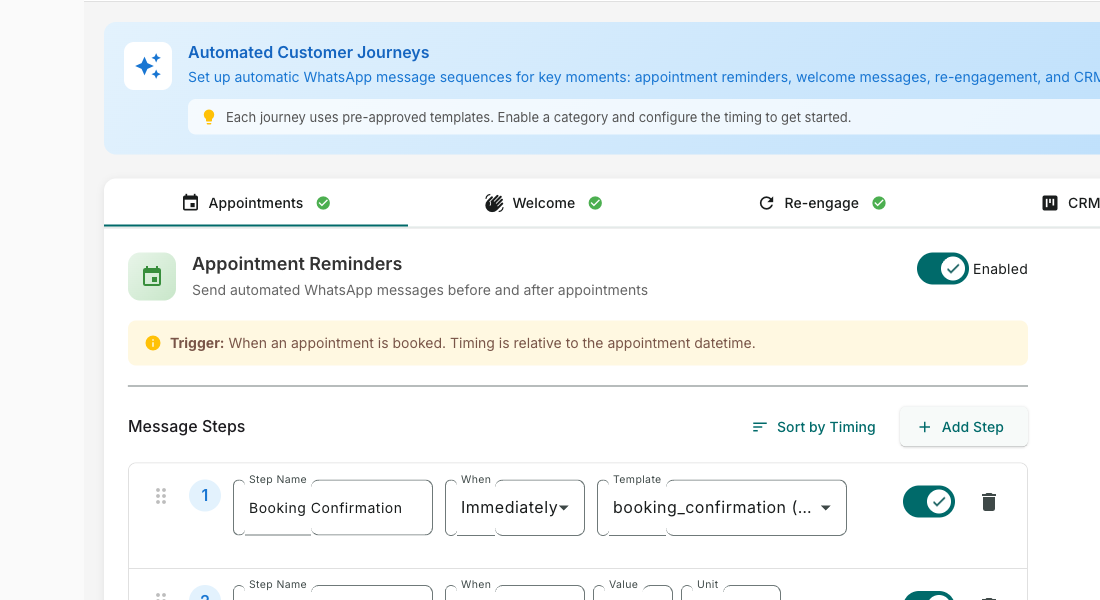
Choose Your Trigger — Automation screenshot
2

Build the Workflow

Add steps visually — send messages, wait, branch on conditions, add tags, or call external APIs. No coding required.
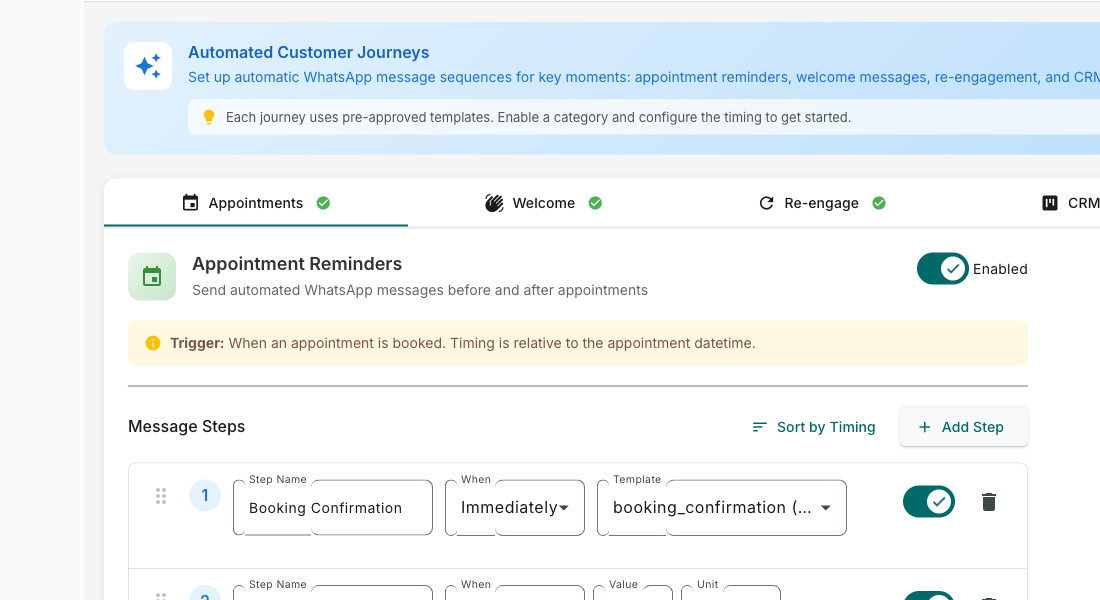
Build the Workflow — Automation screenshot
3

Test with a Sample Contact

Run your automation with a test contact to verify every step works before going live with real customers.
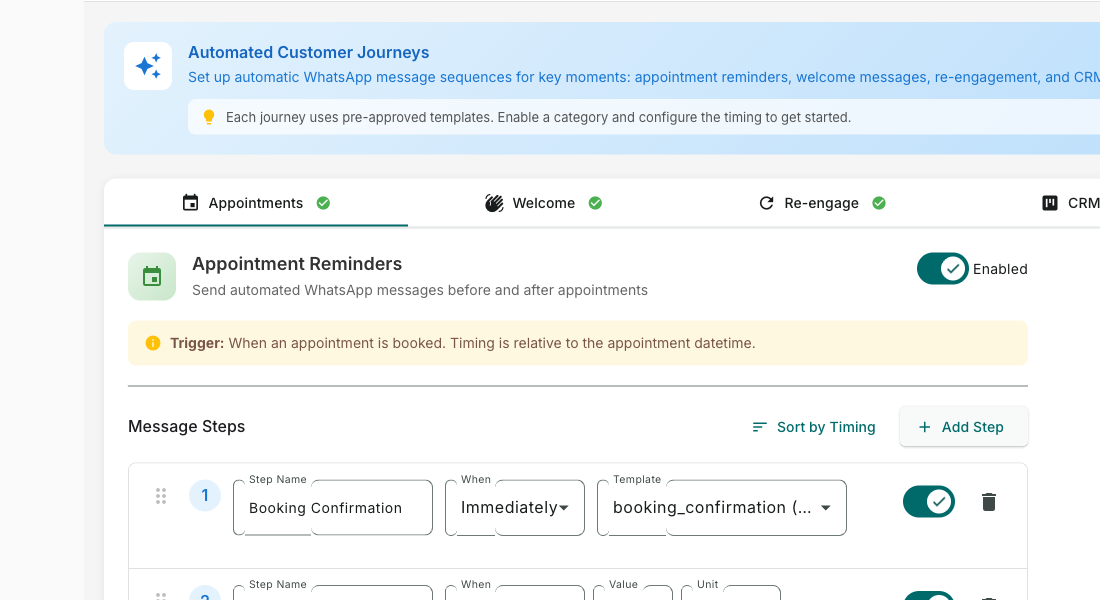
Test with a Sample Contact — Automation screenshot
4

Activate and Monitor

Turn it on and it runs 24/7. Monitor execution logs to see exactly which contacts entered and what actions were taken.
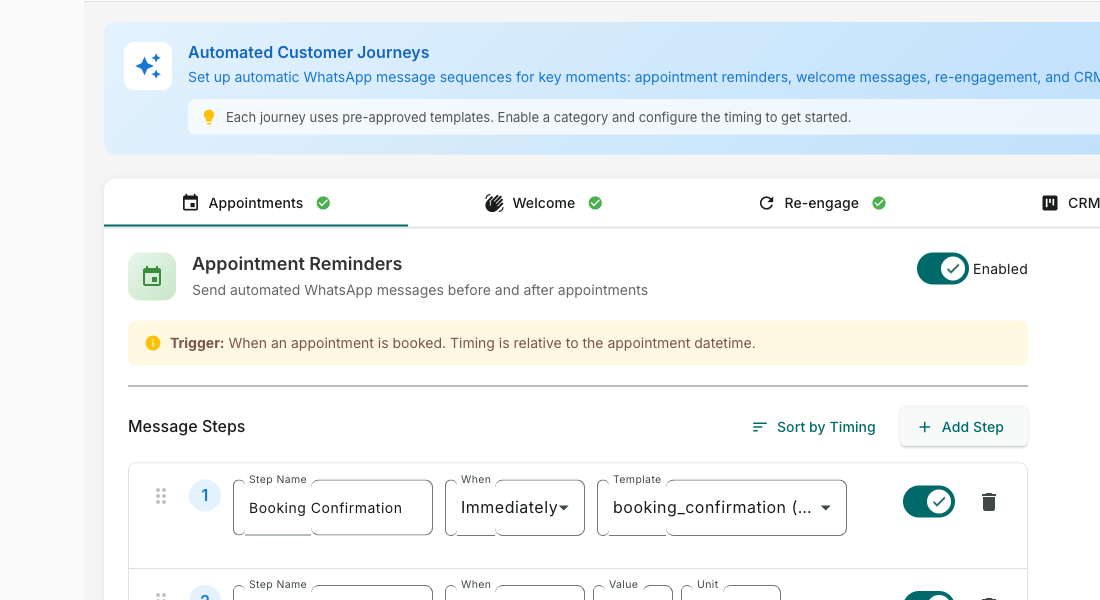
Activate and Monitor — Automation screenshot
How It Works

Step by Step

1

Choose a Trigger

Select what starts the automation: a tag added, message received, appointment booked, or webhook event.

2

Build the Flow

Add steps — send messages, wait, add tags, check conditions, or call external APIs.

3

Test It

Run a test with a sample contact to verify every step works before going live.

4

Activate

Turn it on. The automation runs 24/7 and handles contacts automatically as they enter.

Use Cases

How Businesses in Qatar Use Automation

Welcome Series

Automatically greet new contacts with a multi-day onboarding sequence introducing your services.

Abandoned Cart Recovery

Trigger reminder messages when Shopify customers leave items in their cart.

Appointment Reminders

Send automated reminders 24h and 1h before appointments to reduce no-shows by up to 70%.

Real Results

What Businesses Achieve

G
GreenLeaf Nursery
Doha
Challenge

Manually following up with every new lead

Results
2 days → instant
Follow-up Speed
+34% increase
Lead Conversion
20 hours/week on manual follow-ups
Hours Saved
“Every new enquiry gets a personalised welcome sequence automatically. Our conversion rate jumped 34%.”
Plans

Available On

Free
Starter
Pro
Business

What You Get on Each Plan

Free: 1 automation rule. Starter: 10 rules. Pro: Unlimited rules + sequences. Business: Unlimited + webhook triggers.

Compare all plans →

FAQ

Frequently Asked Questions

How many automations can I create?+
Free plan: 1 journey, Starter: 5, Pro: 20, Business and Enterprise: unlimited.
Can automations send to groups?+
Automations target individual contacts. For group-like behaviour, use segments with campaigns.
Do automations run 24/7?+
Yes. Once activated, automations run continuously. You can set business-hours-only delivery if needed.

Related Features

Team Inbox

Learn more →

AI Assistant

Learn more →

Campaigns

Learn more →

Ready to Transform Your WhatsApp?

Start for free. No credit card. Set up in minutes.

Get Started Free

Free plan available · No credit card required