Message Templates

Message Templates - WhatsApp Business feature for Qatar businesses.

Get Started Free
Message Templates
Key Capabilities

Everything You Get with Message Templates

Template Builder

Visual editor for creating WhatsApp-approved message templates with header, body, footer, and buttons.

Variable Support

Insert dynamic fields like contact name, appointment date, order number, and custom fields.

Category Management

Organise templates by category: marketing, utility, authentication. Track approval status.

Multi-Language

Create templates in multiple languages. WhatsApp auto-selects based on the recipient's phone language.

Media Templates

Attach images, videos, or documents to templates for rich, engaging messages.

Quick Reply Buttons

Add up to 3 quick reply buttons or 2 call-to-action buttons per template.

How It Works

See Message Templates in Action

1

Create Rich Templates

Design templates with header images, body text with variables, and interactive buttons. Preview exactly how it looks on WhatsApp.
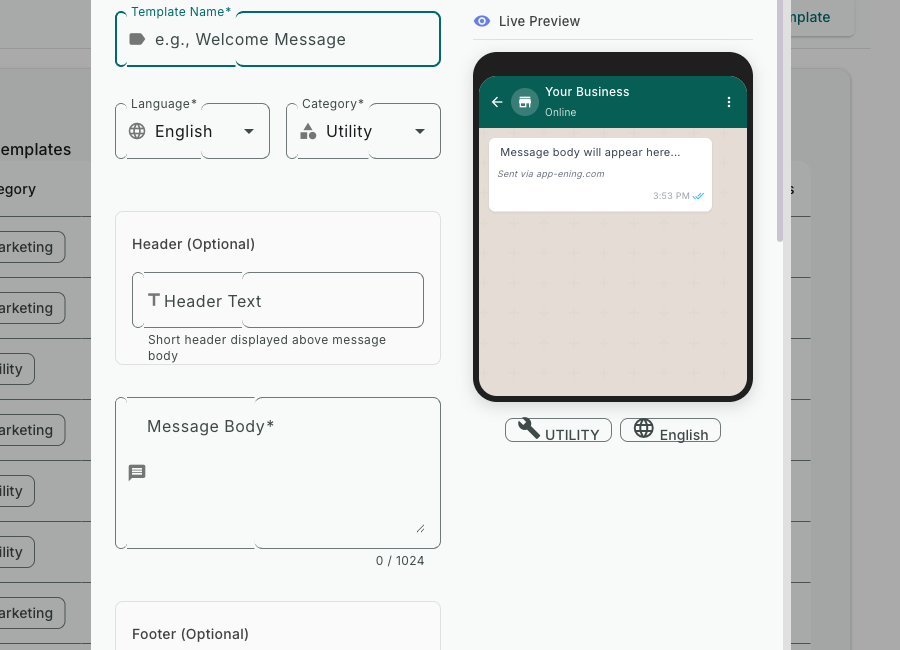
Create Rich Templates — Message Templates screenshot
2

Submit for Approval

One-click submission to Meta for review. Most templates are approved within 1-2 hours. Track status in the dashboard.
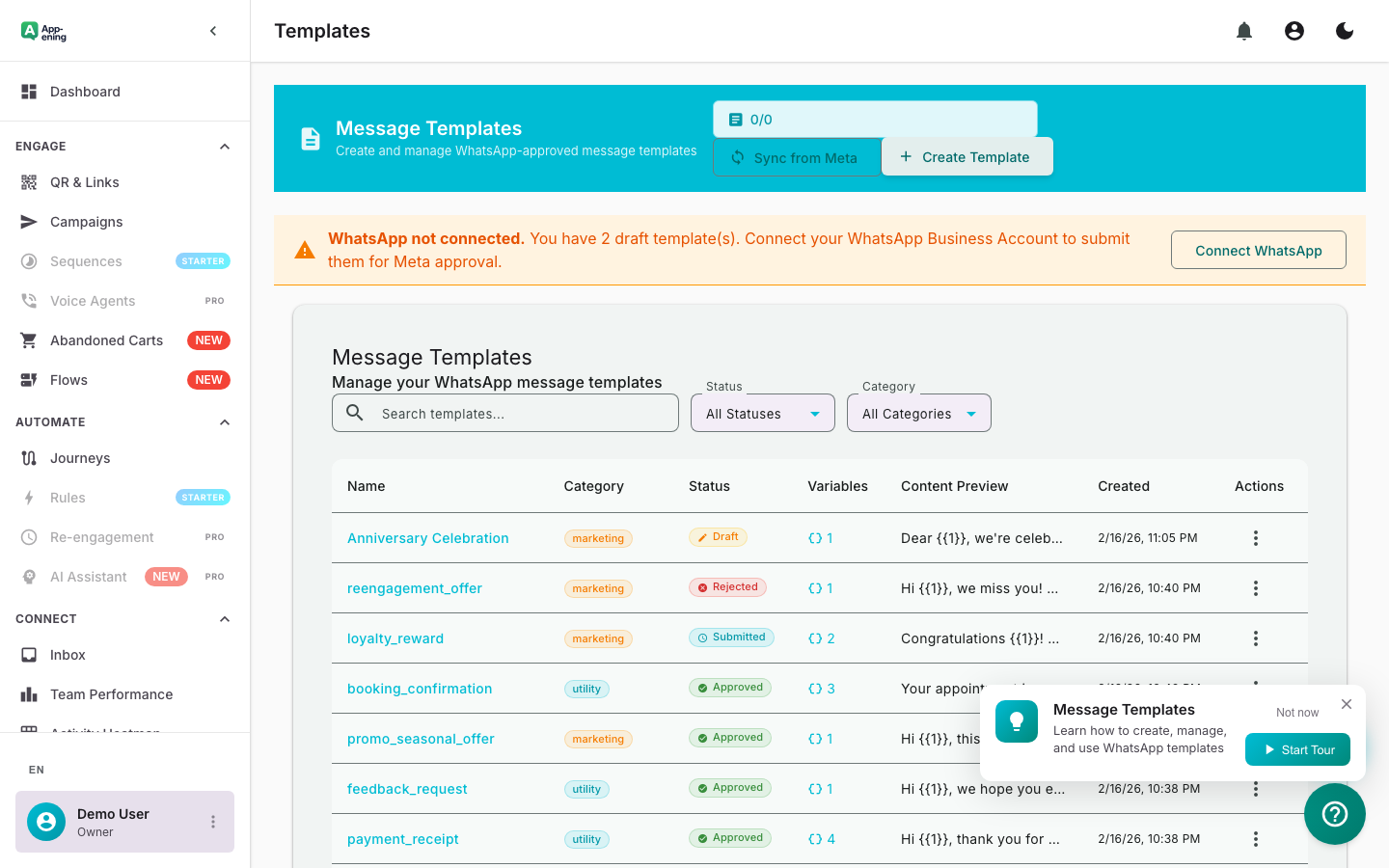
Submit for Approval — Message Templates screenshot
3

Use Across Campaigns and Automations

Approved templates are instantly available in campaigns, automation rules, journey builder, and the team inbox.
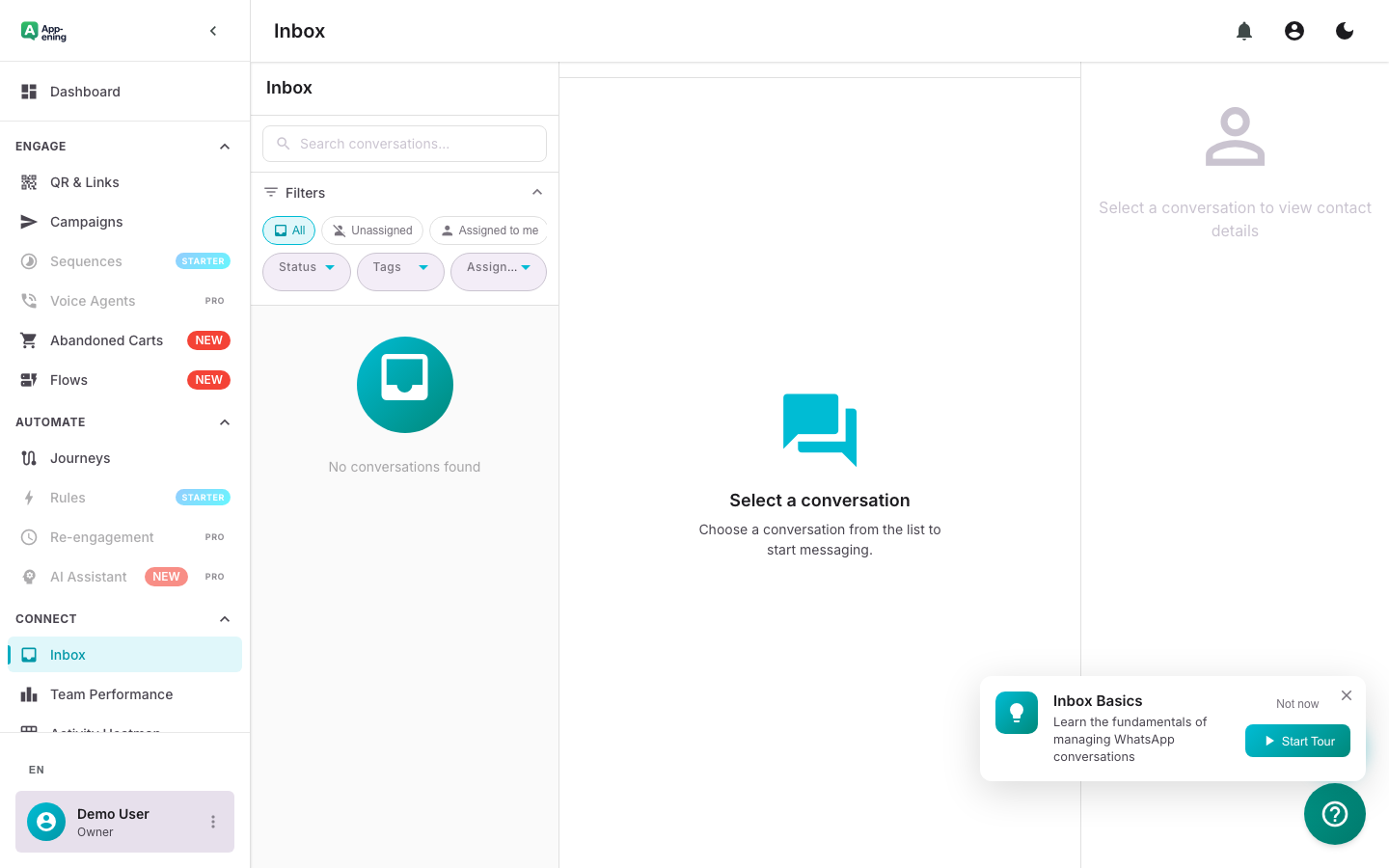
Use Across Campaigns and Automations — Message Templates screenshot
How It Works

Step by Step

1

Configure

Set up Message Templates in your App-ening dashboard. Customise settings to match your workflow.

2

Activate

Turn on the feature and connect it with your existing tools and Qatar business processes.

3

Results

See results from day one with automated WhatsApp workflows that save time and grow revenue.

Use Cases

How Businesses in Qatar Use Message Templates

Order Notifications

Send order confirmation, shipping update, and delivery templates with tracking links.

Appointment Reminders

Personalised reminder templates with date, time, location, and reschedule buttons.

Marketing Broadcasts

Promotional templates with product images, discount codes, and shop-now CTA buttons.

Real Results

What Businesses Achieve

Q
QuickShip Logistics
Doha
Challenge

Inconsistent customer communication across agents

Results
Average 1.5 hours
Template Approval Time
100% brand-aligned
Message Consistency
-60% about conflicting info
Customer Complaints
“Every customer gets the same professional message. No more agents improvising critical updates.”
Plans

Available On

Free
Starter
Pro
Business

What You Get on Each Plan

Free: 5 templates. Starter: 25 templates. Pro: Unlimited + media templates. Business: Unlimited + template analytics.

Compare all plans →

FAQ

Frequently Asked Questions

How long does approval take?+
Most templates are approved within minutes. Complex marketing templates may take up to 24 hours.
Why was my template rejected?+
Common reasons: promotional content submitted as utility, missing example values, or policy violations. Edit and resubmit.
Can I edit approved templates?+
No. WhatsApp requires creating a new template. You can delete the old one after the new one is approved.

Related Features

Team Inbox

Learn more →

AI Assistant

Learn more →

Campaigns

Learn more →

Ready to Transform Your WhatsApp?

Start for free. No credit card. Set up in minutes.

Get Started Free

Free plan available · No credit card required