Customer Acquisition

Customer Acquisition - WhatsApp Business feature for Singapore businesses.

Get Started Free
Customer Acquisition
Key Capabilities

Everything You Get with Customer Acquisition

Click-to-WhatsApp Ads

Create CTWA ad links that open WhatsApp conversations from Facebook and Instagram ads.

QR Codes

Generate branded QR codes that open WhatsApp chats. Perfect for print materials and in-store displays.

Chat Links

Create short links with pre-filled messages. Track clicks and conversions per link.

Web Widgets

Add a WhatsApp chat button to your website. Customise position, colours, and welcome message.

Referral Tracking

Track which acquisition channel each contact came from with automatic source tagging.

Landing Pages

Create simple landing pages with WhatsApp CTA for campaign-specific acquisition funnels.

How It Works

See Customer Acquisition in Action

1

QR Codes for Print and In-Store

Generate branded QR codes that open a WhatsApp conversation with your business when scanned. Track scans per code.
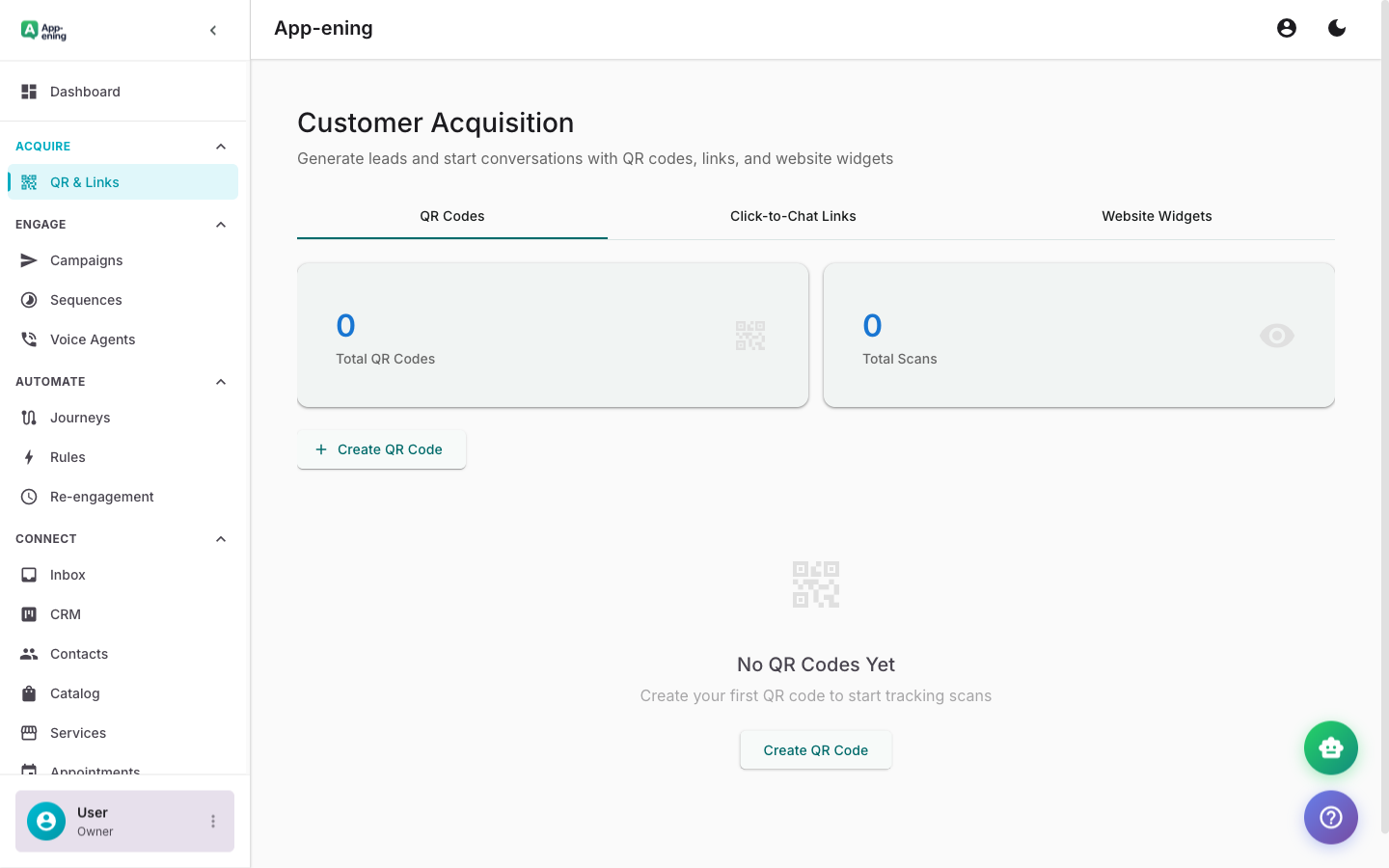
QR Codes for Print and In-Store — Customer Acquisition screenshot
2

Click-to-WhatsApp Links

Create short links for social media, ads, and email campaigns. Each click opens a pre-filled WhatsApp message.
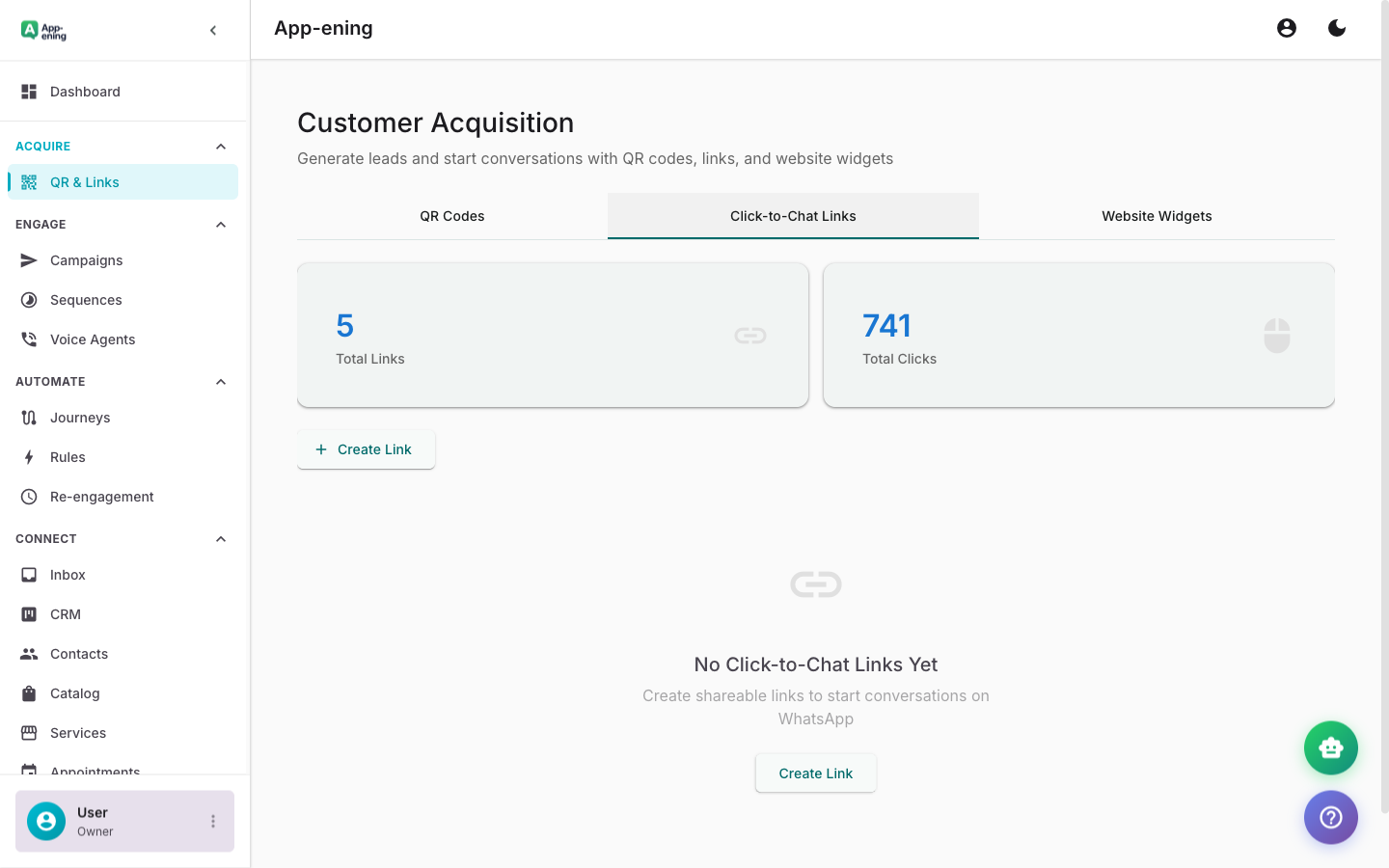
Click-to-WhatsApp Links — Customer Acquisition screenshot
3

Website Chat Widget

Add a WhatsApp chat button to your website. Visitors start a conversation with one click — no app install needed.
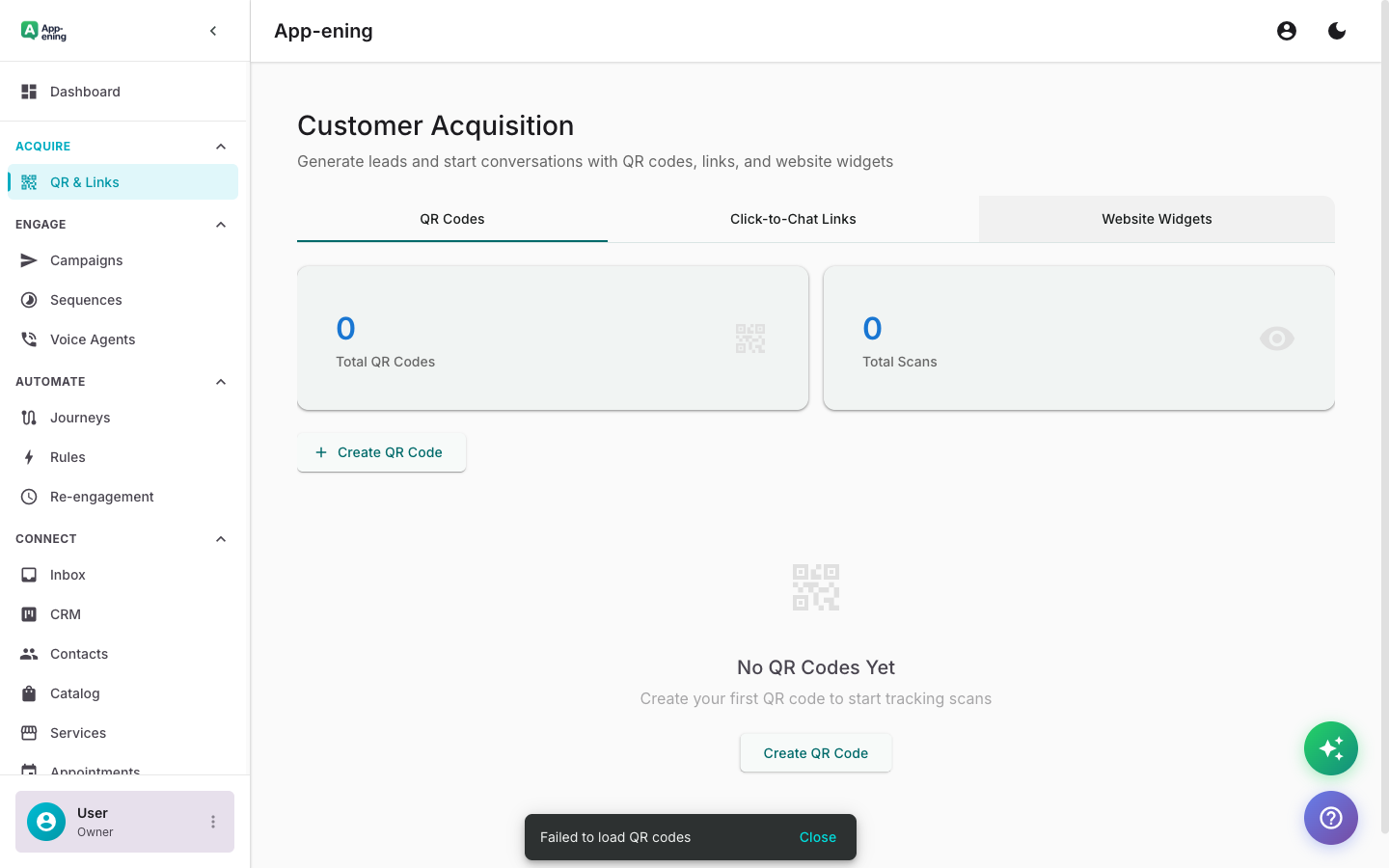
Website Chat Widget — Customer Acquisition screenshot
How It Works

Step by Step

1

Configure

Set up Customer Acquisition in your App-ening dashboard. Customise settings to match your workflow.

2

Activate

Turn on the feature and connect it with your existing tools and Singapore business processes.

3

Results

See results from day one with automated WhatsApp workflows that save time and grow revenue.

Use Cases

How Businesses in Singapore Use Customer Acquisition

Meta Ad Campaigns

Run Instagram/Facebook ads with CTWA buttons. Leads land directly in your WhatsApp inbox.

In-Store Capture

Display QR codes at checkout, on receipts, and in-store signage to capture walk-in customers.

Website Conversion

Convert website visitors into WhatsApp leads with strategically placed chat widgets.

Real Results

What Businesses Achieve

T
TasteTrail Restaurants
Singapore
Challenge

Converting walk-in interest to WhatsApp contacts

Results
450+ from table cards and receipts
QR Scans/Month
72% of scanners start a chat
WhatsApp Opt-in Rate
+35% from WhatsApp promotions
Repeat Visits
“Our QR codes on table cards convert curious diners into loyal WhatsApp subscribers.”
Plans

Available On

Free
Starter
Pro
Business

What You Get on Each Plan

Free: 1 QR code. Starter: Unlimited QR + links. Pro: Website widget + analytics. Business: Custom branding + UTM tracking.

Compare all plans →

FAQ

Frequently Asked Questions

Which ad platforms are supported?+
Click-to-WhatsApp ads work with Meta (Facebook & Instagram). Google Ads support is coming soon.
Can I track ad ROI?+
Yes. Each CTWA link is tagged. Track cost per lead and revenue per channel in the analytics dashboard.
Do QR codes expire?+
No. QR codes are permanent. You can update the pre-filled message anytime without changing the code.

Related Features

Team Inbox

Learn more →

AI Assistant

Learn more →

Campaigns

Learn more →

Ready to Transform Your WhatsApp?

Start for free. No credit card. Set up in minutes.

Get Started Free

Free plan available · No credit card required