Payments

Payments - WhatsApp Business feature for UAE businesses.

Get Started Free
Payments
Key Capabilities

Everything You Get with Payments

Multi-Gateway Support

Connect Razorpay, Stripe, or other payment providers. Switch gateways without losing data.

Payment Links

Generate unique payment links with custom amounts, descriptions, and expiry dates.

Transaction History

Complete record of all payments with filters by status, date range, and contact.

Automated Follow-Up

Send payment reminders for pending invoices. Escalate overdue payments automatically.

Revenue Dashboard

Track daily, weekly, and monthly revenue with breakdowns by product and payment method.

Multi-Currency

Accept payments in local currency. Display prices in the customer's preferred currency.

How It Works

See Payments in Action

1

Connect Your Payment Provider

Link your Razorpay account in minutes. All payment processing happens through your own merchant account.
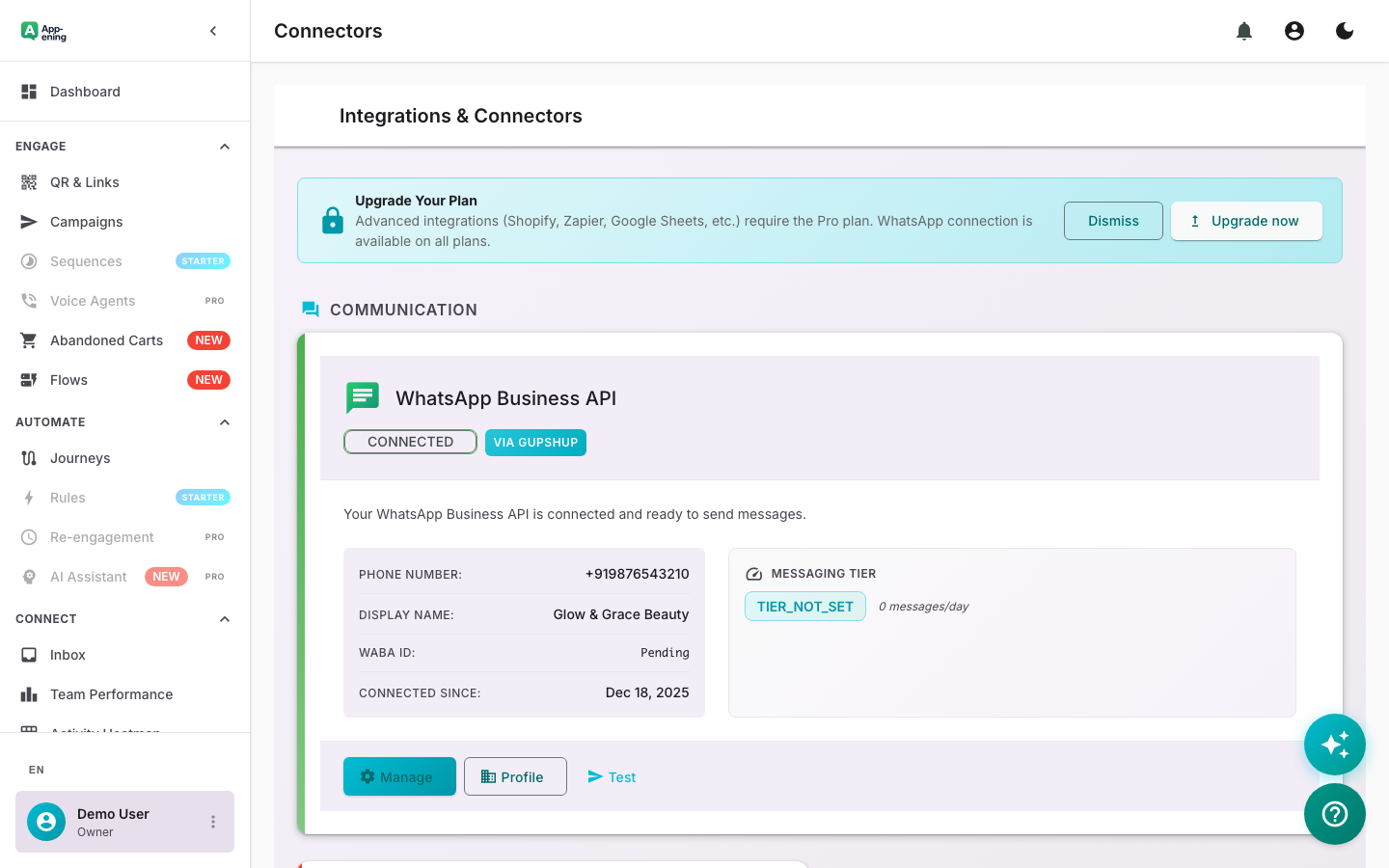
Connect Your Payment Provider — Payments screenshot
2

Automate Payment Reminders

Set up automated WhatsApp reminders for overdue invoices. Escalate from gentle nudge to formal notice.
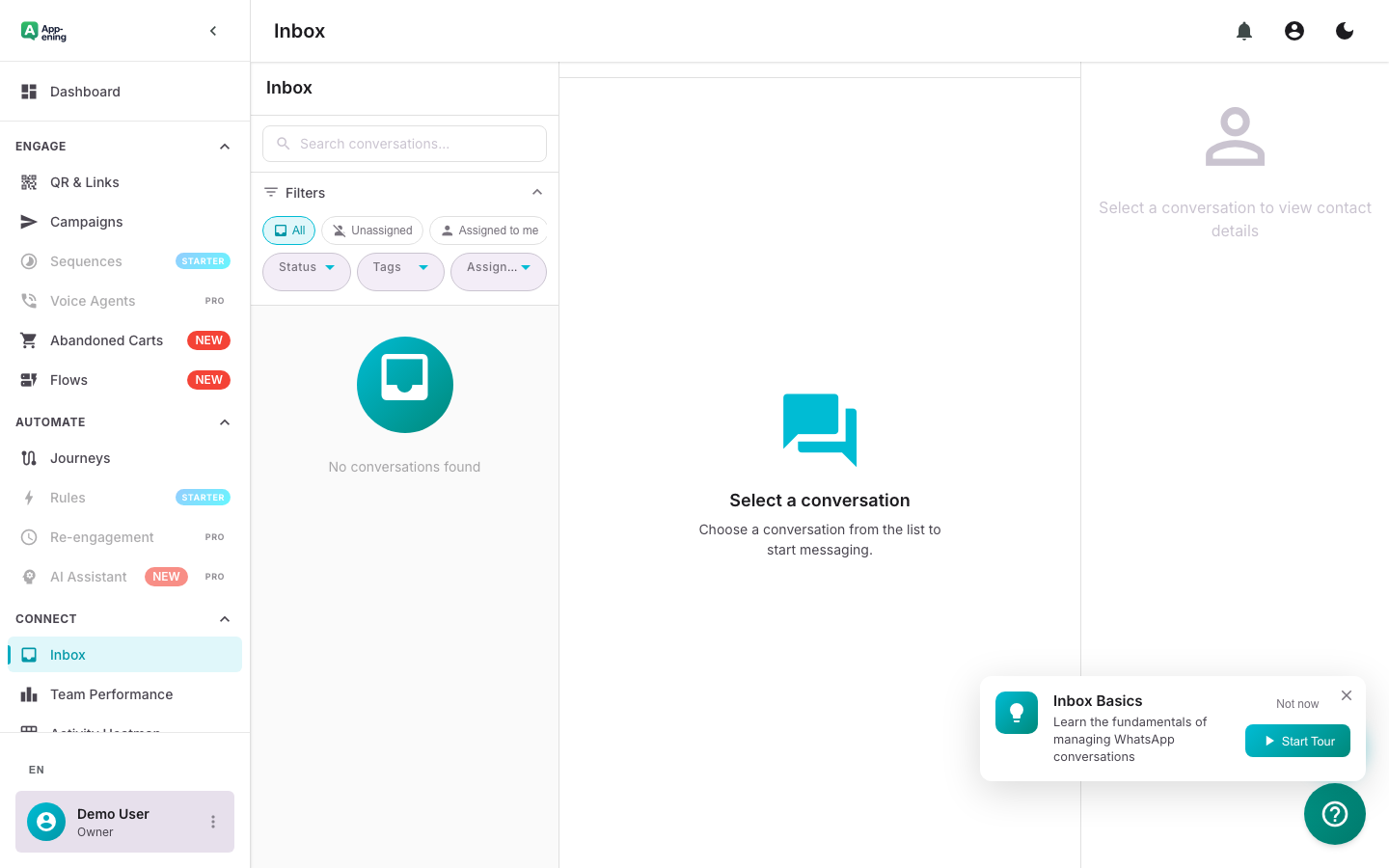
Automate Payment Reminders — Payments screenshot
3

Revenue Dashboard

Track collections in real time. See total revenue, pending amounts, and payment success rates by customer segment.
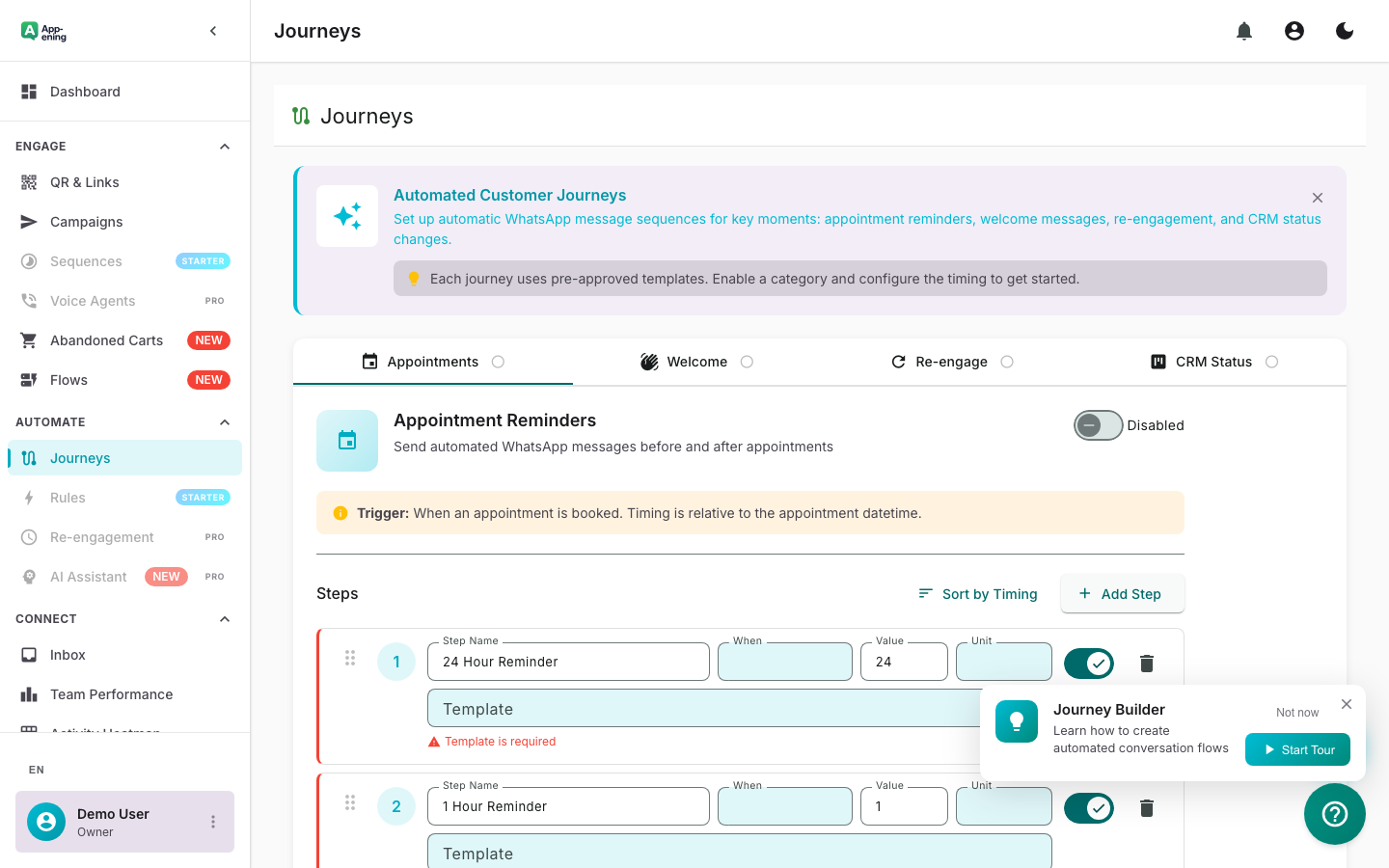
Revenue Dashboard — Payments screenshot
How It Works

Step by Step

1

Configure

Set up Payments in your App-ening dashboard. Customise settings to match your workflow.

2

Activate

Turn on the feature and connect it with your existing tools and UAE business processes.

3

Results

See results from day one with automated WhatsApp workflows that save time and grow revenue.

Use Cases

How Businesses in UAE Use Payments

Invoice Collection

Send invoices via WhatsApp with embedded payment links. Track who has paid and who hasn't.

Deposit Collection

Collect booking deposits before appointments or events with automated confirmation.

Instalment Plans

Set up payment plans with scheduled reminders for each instalment.

Real Results

What Businesses Achieve

P
ProFix Home Services
Dubai
Challenge

Collecting payment after service completion

Results
Same-day collection 45% → 88%
Payment Speed
-62%
Outstanding Invoices
4.7/5 payment experience
Customer Convenience
“Technicians send the invoice on WhatsApp before they leave. Payment comes in by the time they reach the next job.”
Plans

Available On

Free
Starter
Pro
Business

What You Get on Each Plan

Starter: Basic payment links. Pro: Automated reminders + receipts. Business: Multi-currency + reconciliation.

Compare all plans →

FAQ

Frequently Asked Questions

When do I receive the money?+
Settlement times depend on your payment gateway. Typically 1-3 business days.
Are there transaction fees?+
App-ening does not charge payment fees. Your payment gateway charges their standard processing fees.
Can I generate GST-compliant invoices?+
Yes. Configure your GST details in settings. Invoices auto-calculate CGST, SGST, or IGST based on location.

Related Features

Team Inbox

Learn more →

AI Assistant

Learn more →

Campaigns

Learn more →

Ready to Transform Your WhatsApp?

Start for free. No credit card. Set up in minutes.

Get Started Free

Free plan available · No credit card required