Bulk Messaging

Bulk Messaging - WhatsApp Business feature for India businesses.

Get Started Free
Bulk Messaging
Key Capabilities

Everything You Get with Bulk Messaging

High-Volume Sends

Send to thousands of contacts with automatic rate limiting to maintain quality rating.

Smart Throttling

Messages are queued and sent at optimal speed based on your WhatsApp Business tier level.

Personalisation

Every message is personalised with the recipient's name, custom fields, and dynamic content.

Delivery Reports

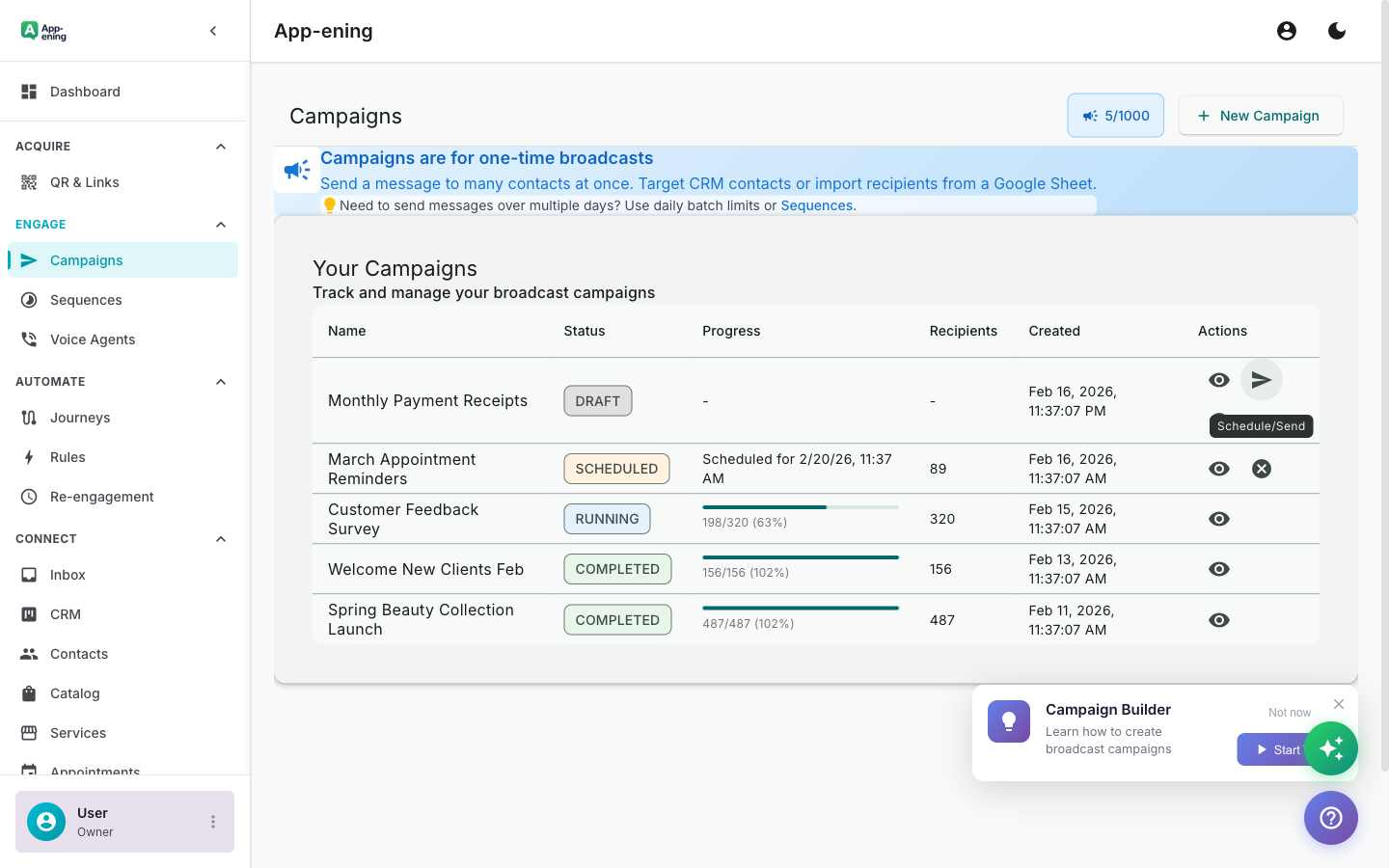
Real-time tracking of sent, delivered, read, and failed messages with error details.

Opt-Out Handling

Automatic opt-out processing when recipients reply STOP. Compliance with messaging regulations.

Scheduled Sends

Queue bulk messages for specific dates and times. Perfect for coordinating with marketing campaigns.

How It Works

See Bulk Messaging in Action

1

Import Your Contact List

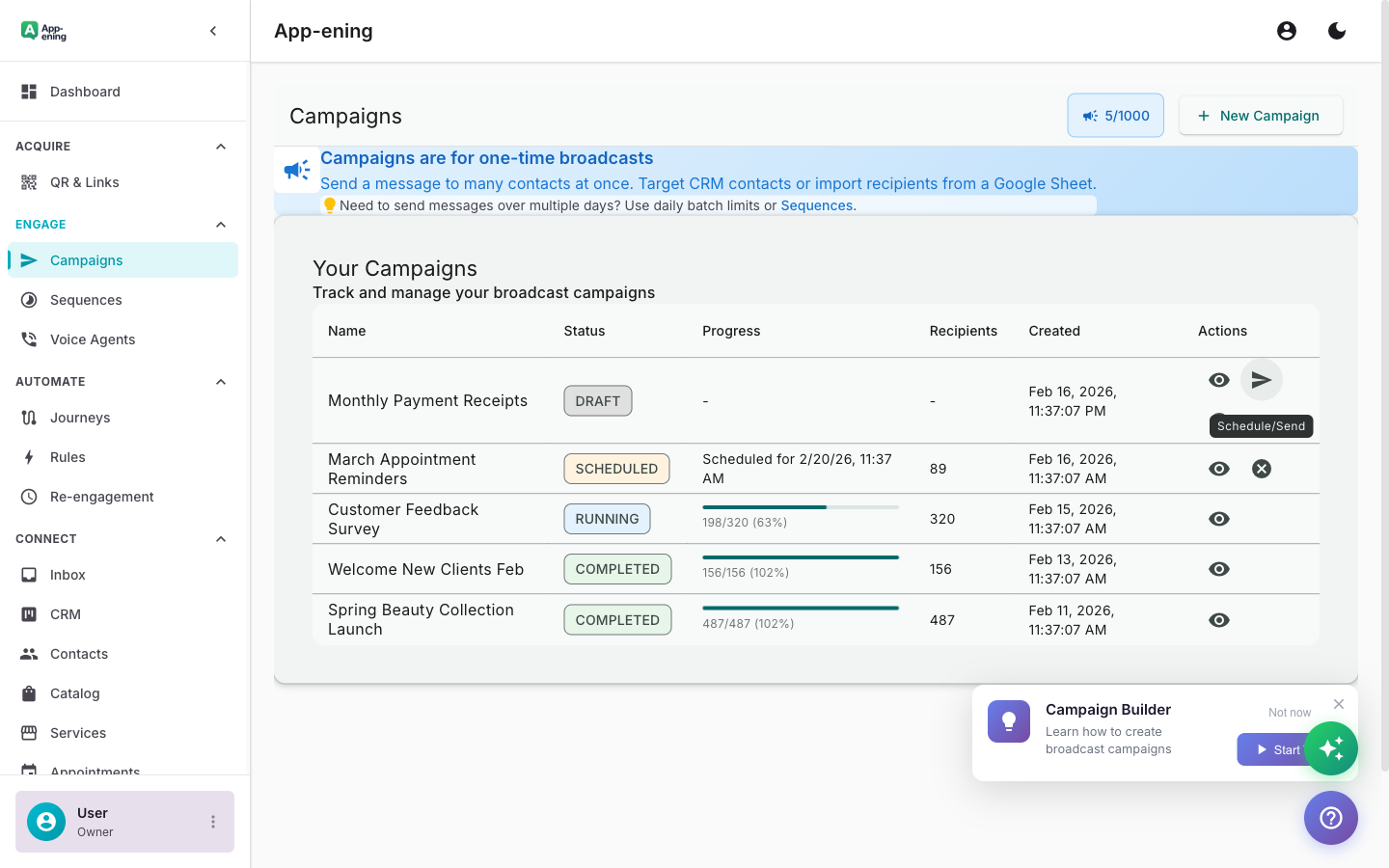
Upload contacts via CSV, Google Contacts, or API. Automatic deduplication and phone number validation.

Import Your Contact List — Bulk Messaging screenshot
2

Personalise at Scale

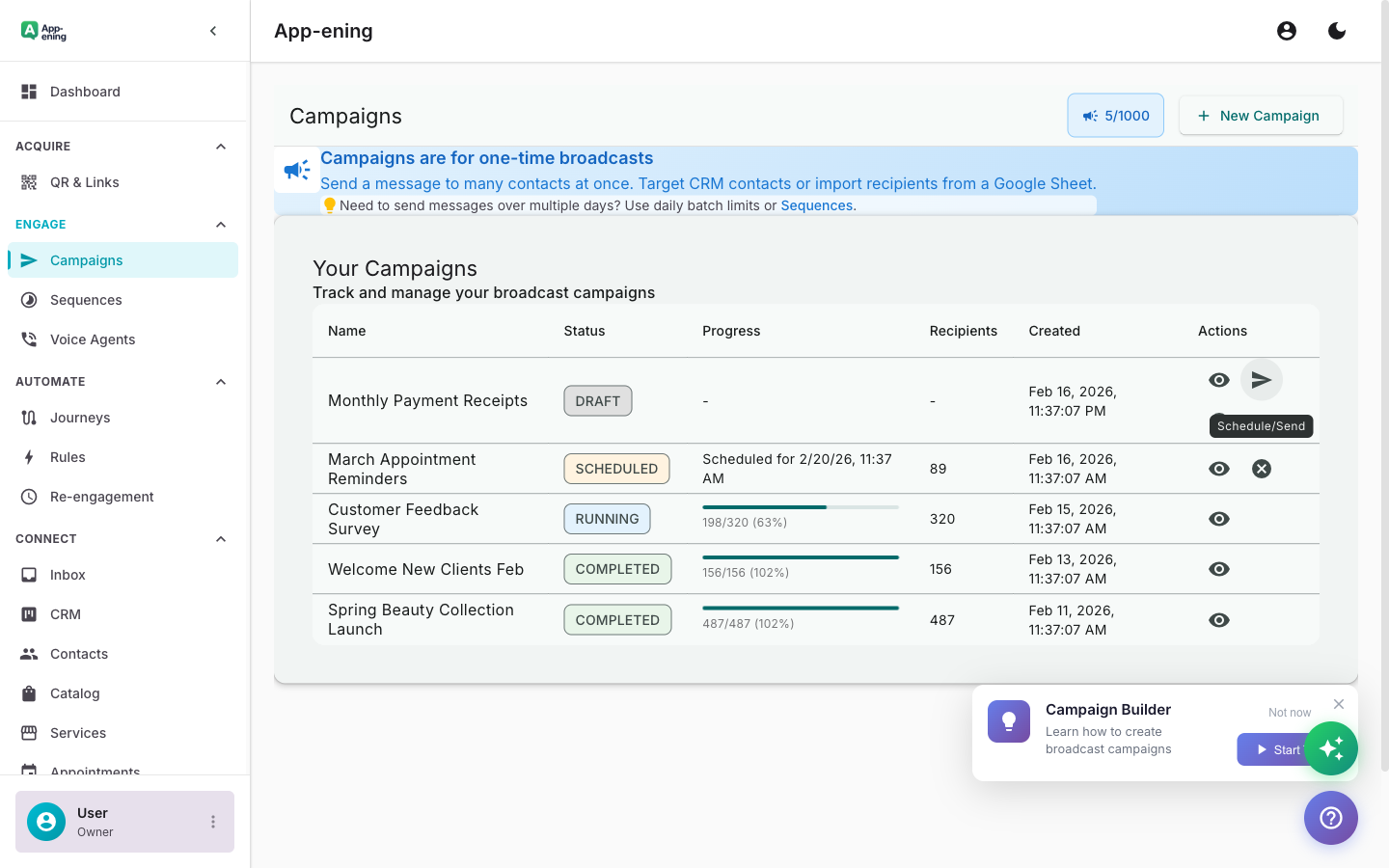
Use template variables to address each customer by name, include their order details, or reference their last purchase.

Personalise at Scale — Bulk Messaging screenshot
3

Send with Smart Throttling

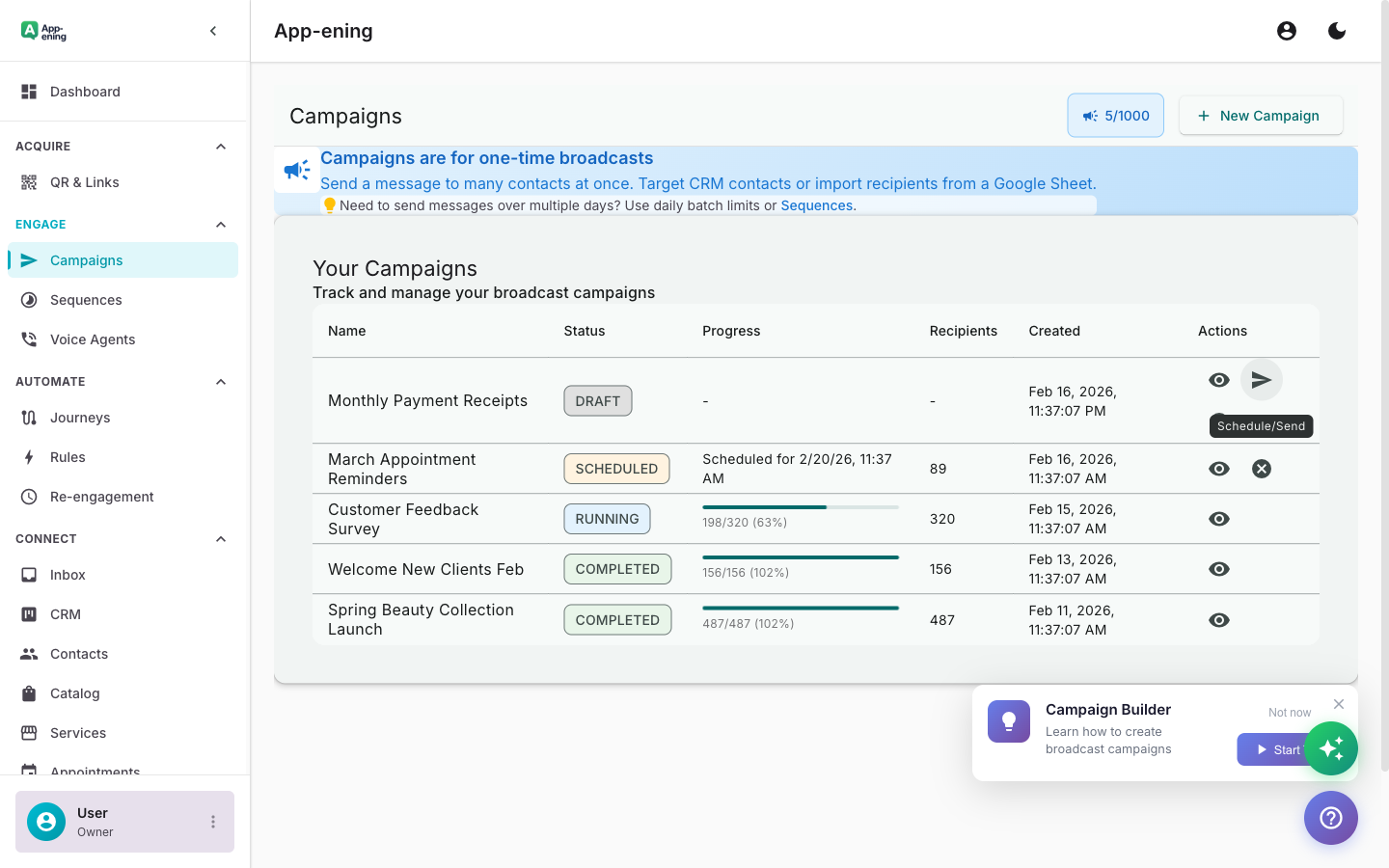
App-ening automatically paces your sends to stay within WhatsApp rate limits and protect your quality score.

Send with Smart Throttling — Bulk Messaging screenshot
How It Works

Step by Step

1

Configure

Set up Bulk Messaging in your App-ening dashboard. Customise settings to match your workflow.

2

Activate

Turn on the feature and connect it with your existing tools and India business processes.

3

Results

See results from day one with automated WhatsApp workflows that save time and grow revenue.

Use Cases

How Businesses in India Use Bulk Messaging

Product Announcements

Notify your entire customer base about new products, features, or service updates.

Event Invitations

Send event invites with RSVP buttons to targeted customer segments.

Policy Updates

Distribute important updates about terms, pricing changes, or service modifications.

Real Results

What Businesses Achieve

F
FreshMart Groceries
Mumbai
Challenge

Announcing weekly offers to 5,000+ customers

Results
3 days (manual) → 15 minutes
Send Time
98% delivery rate
Reach Rate
+22% on offer days
Store Footfall
“We send our weekly offers to thousands of customers in minutes. The response is immediate.”
Plans

Available On

Free
Starter
Pro
Business

What You Get on Each Plan

Free: 100 contacts per send. Starter: 1,000 contacts. Pro: 10,000 + scheduling. Business: Unlimited + priority queue.

Compare all plans →

FAQ

Frequently Asked Questions

What is the maximum send volume?+
Depends on your WhatsApp Business tier: new accounts start at 250/day, scaling to unlimited.
Can I send to contacts who haven't opted in?+
No. WhatsApp requires explicit opt-in. App-ening tracks consent status automatically.
What happens if a message fails?+
Failed messages are logged with error codes. You can retry failed sends or export the list for review.

Related Features

Team Inbox

Learn more →

AI Assistant

Learn more →

Campaigns

Learn more →

Ready to Transform Your WhatsApp?

Start for free. No credit card. Set up in minutes.

Get Started Free

Free plan available · No credit card required