Voice Calling

Voice Calling - WhatsApp Business feature for Kuwait businesses.

Get Started Free
Voice Calling
Key Capabilities

Everything You Get with Voice Calling

Click-to-Call

Agents make outbound calls directly from the App-ening dashboard with one click.

Call Logging

All calls are logged with duration, outcome, and optional notes in the contact timeline.

Call Routing

Route incoming calls to available agents based on skills, language, or department.

Voicemail

When agents are unavailable, callers leave voicemail. Transcription sent via WhatsApp.

Call Analytics

Track call volume, average duration, and agent talk time in the analytics dashboard.

WhatsApp Follow-Up

After every call, automatically send a WhatsApp summary or follow-up message.

How It Works

See Voice Calling in Action

1

Make Calls from the Dashboard

Click-to-call any contact directly from the inbox or CRM. Calls are logged automatically with duration and outcome.
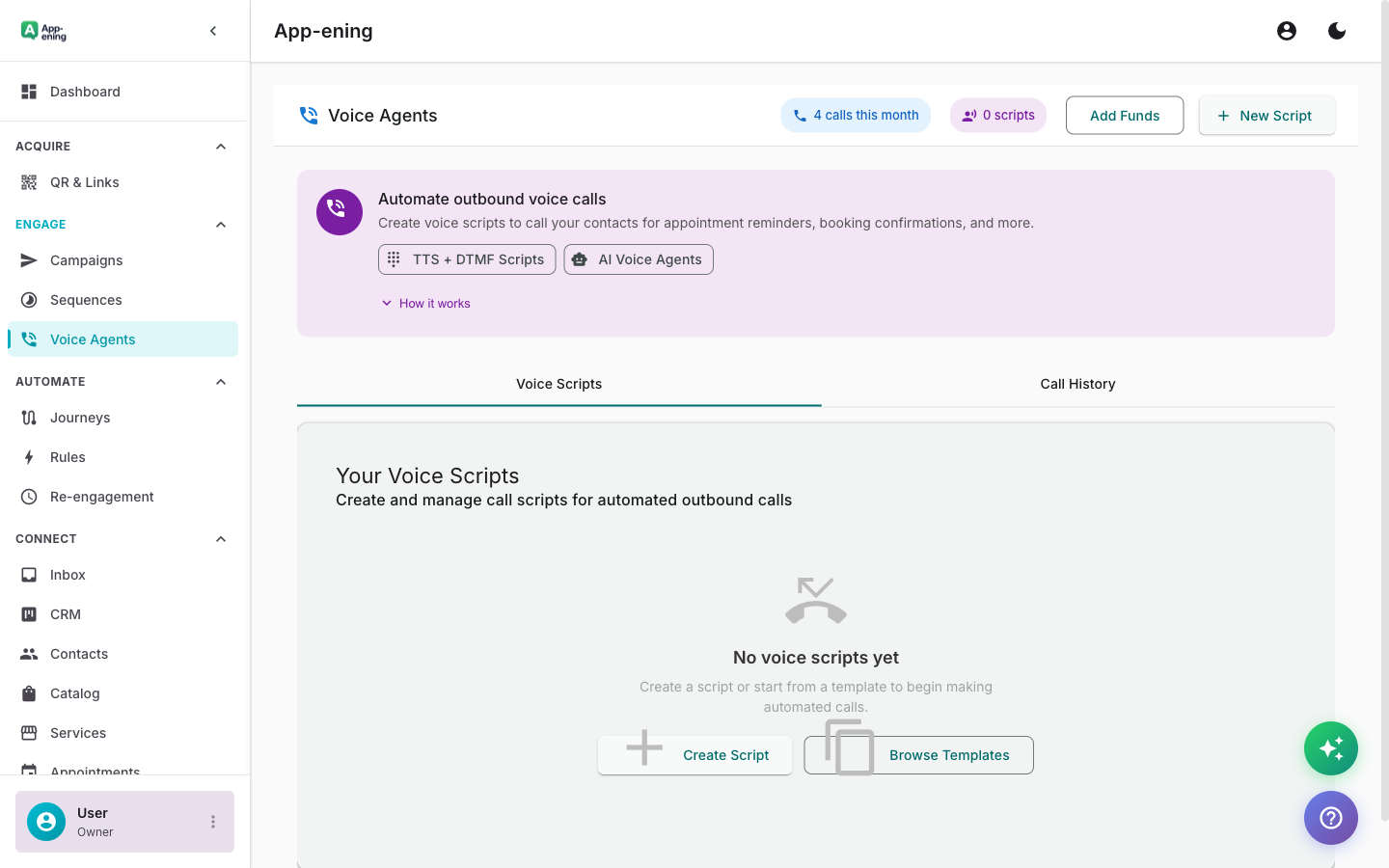
Make Calls from the Dashboard — Voice Calling screenshot
2

Automatic Call Recording

All calls are recorded and attached to the contact record. Listen back anytime for training or quality assurance.
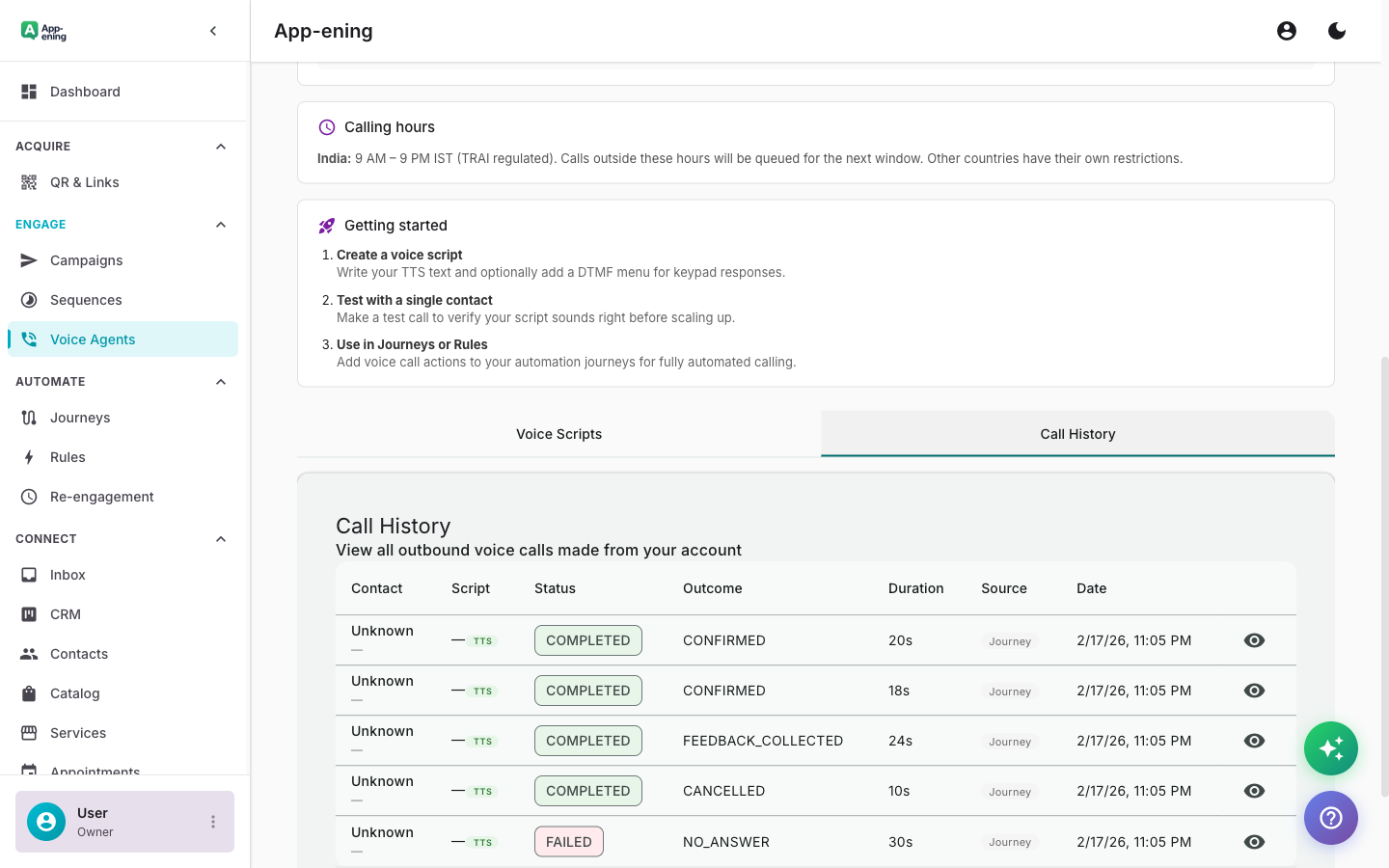
Automatic Call Recording — Voice Calling screenshot
3

Post-Call WhatsApp Follow-up

After a call, automatically send a WhatsApp message summarising the discussion and next steps.
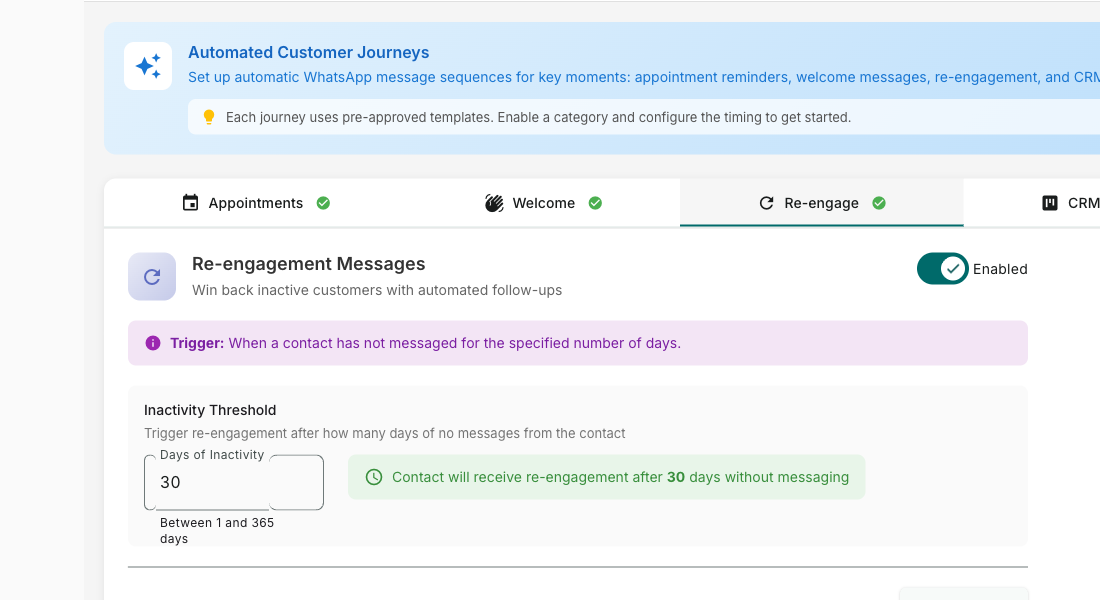
Post-Call WhatsApp Follow-up — Voice Calling screenshot
How It Works

Step by Step

1

Configure

Set up Voice Calling in your App-ening dashboard. Customise settings to match your workflow.

2

Activate

Turn on the feature and connect it with your existing tools and Kuwait business processes.

3

Results

See results from day one with automated WhatsApp workflows that save time and grow revenue.

Use Cases

How Businesses in Kuwait Use Voice Calling

Sales Follow-Up

Call warm leads after WhatsApp conversations to close deals faster.

Escalation

When text isn't enough, seamlessly switch from chat to voice call within the same conversation.

VIP Support

Provide phone support for high-value customers while keeping all context in one place.

Real Results

What Businesses Achieve

E
EliteRealty Property
Kuwait City
Challenge

Sales team making calls from personal phones with no tracking

Results
100% automatic (was 30% manual)
Call Logging
+45% with call summaries
Follow-up Rate
+22% from better follow-through
Deal Closure
“Every call is logged with notes and next steps. No lead gets forgotten because a call was made from a personal phone.”
Plans

Available On

Free
Starter
Pro
Business

What You Get on Each Plan

Starter: Click-to-call + logging. Pro: Recording + analytics. Business: IVR menu + call routing.

Compare all plans →

FAQ

Frequently Asked Questions

Do I need a separate phone number?+
You can use your existing business number or provision a new one through our voice providers.
Can I record calls?+
Yes. Call recording is available with consent management. Recordings are stored securely.
Is there a mobile app for calls?+
Agents can receive and make calls from the App-ening mobile app when away from desktop.

Related Features

Team Inbox

Learn more →

AI Assistant

Learn more →

Campaigns

Learn more →

Ready to Transform Your WhatsApp?

Start for free. No credit card. Set up in minutes.

Get Started Free

Free plan available · No credit card required