Appointment Management - WhatsApp Business feature for Pakistan businesses.
Get Started FreeSee all appointments in day, week, or month view with colour-coded status indicators.
Track appointments through booked, confirmed, in-progress, completed, cancelled, and no-show stages.
Reschedule or cancel multiple appointments at once. Send bulk notifications to affected customers.
See appointment revenue, average booking value, and revenue per staff member.
Set up weekly, biweekly, or monthly recurring bookings with same-weekday logic.
Add walk-in appointments on the fly. Auto-send confirmation messages to the customer.
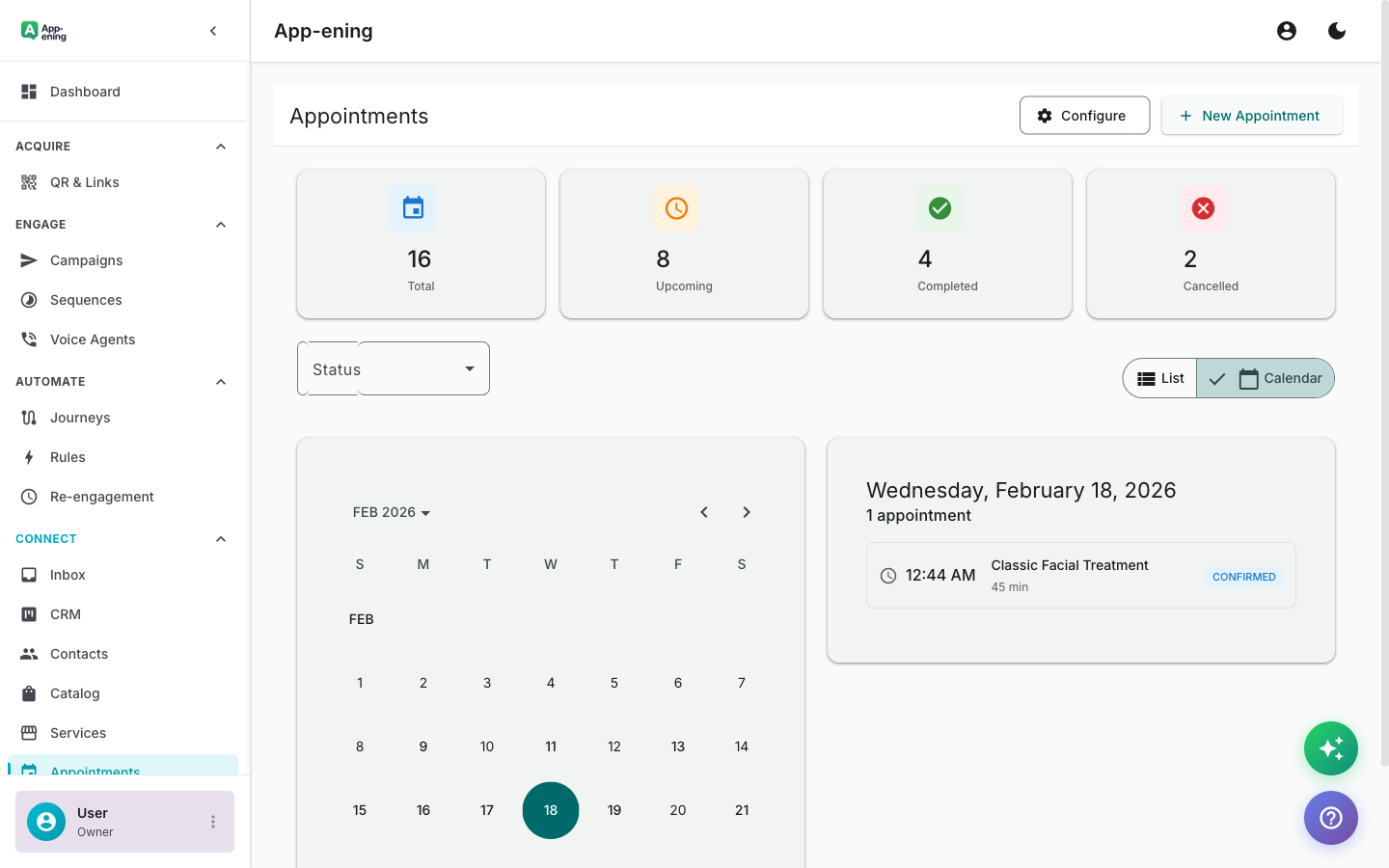
Calendar view shows today, this week, and upcoming appointments with status indicators — confirmed, pending, cancelled.
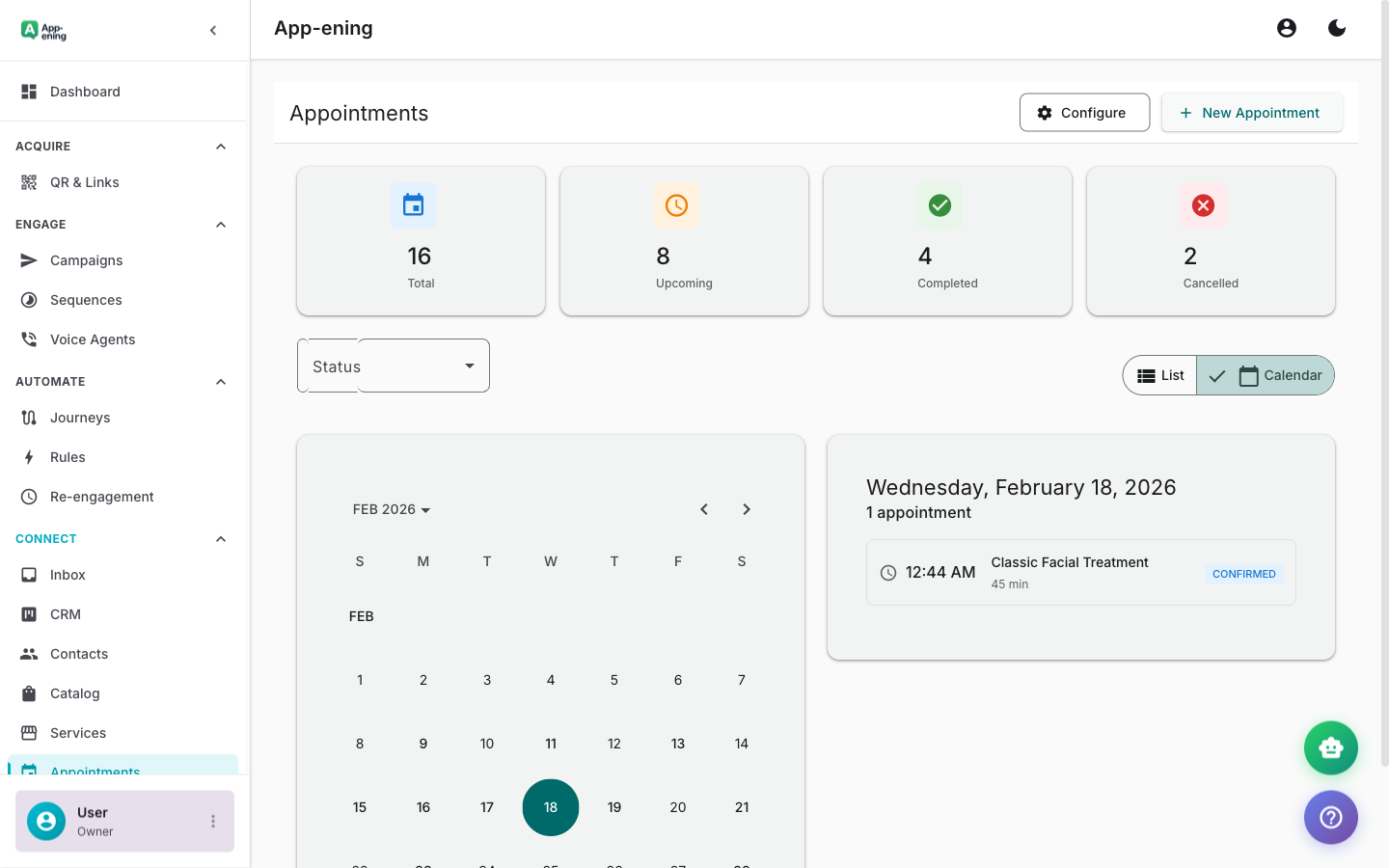
Drag to reschedule or click to cancel. Customers get an automatic WhatsApp notification with updated details.
Trigger a post-appointment WhatsApp message asking for a rating and review. Feed responses into your CRM.
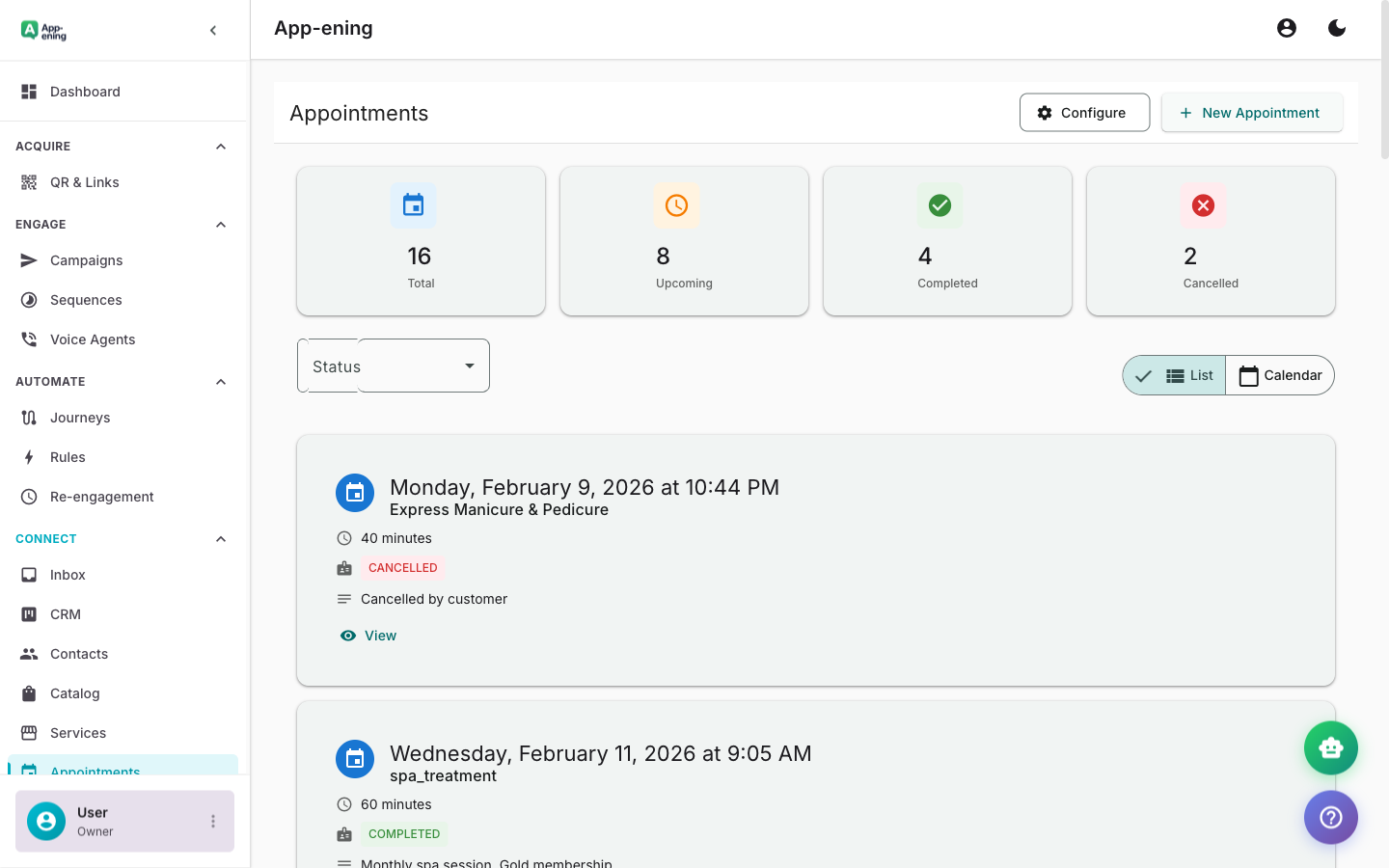
Set up Appointment Management in your App-ening dashboard. Customise settings to match your workflow.
Turn on the feature and connect it with your existing tools and Pakistan business processes.
See results from day one with automated WhatsApp workflows that save time and grow revenue.
Staff check their dashboard each morning. Manager reviews the day's appointments and assigns resources.
After completed appointments, trigger automated feedback requests and rebooking suggestions.
Export appointment data for business analysis — peak hours, popular services, and staff utilisation.
Free: View and manage. Starter: Automated reminders. Pro: Reschedule links + feedback. Business: Multi-staff calendar + reporting.
Start for free. No credit card. Set up in minutes.
Get Started FreeFree plan available · No credit card required