Rules Engine

Rules Engine - WhatsApp Business feature for Pakistan businesses.

Get Started Free
Rules Engine
Key Capabilities

Everything You Get with Rules Engine

Event Triggers

Fire rules when tags are added, messages received, contacts created, or appointments booked.

Condition Builder

Set conditions using contact fields, tags, time, and message content with AND/OR logic.

Action Library

Send messages, add/remove tags, assign agents, update CRM stage, trigger webhooks, and more.

Priority Ordering

Rules execute in priority order. First matching rule wins to prevent conflicting actions.

Testing Mode

Test rules against sample contacts before activating to verify expected behaviour.

Execution Logs

See which rules fired, for which contacts, and what actions were taken — with timestamps.

How It Works

See Rules Engine in Action

1

Define Your Trigger Condition

Choose from dozens of triggers: tag added, message keyword, time-based, payment status, or custom webhook events.
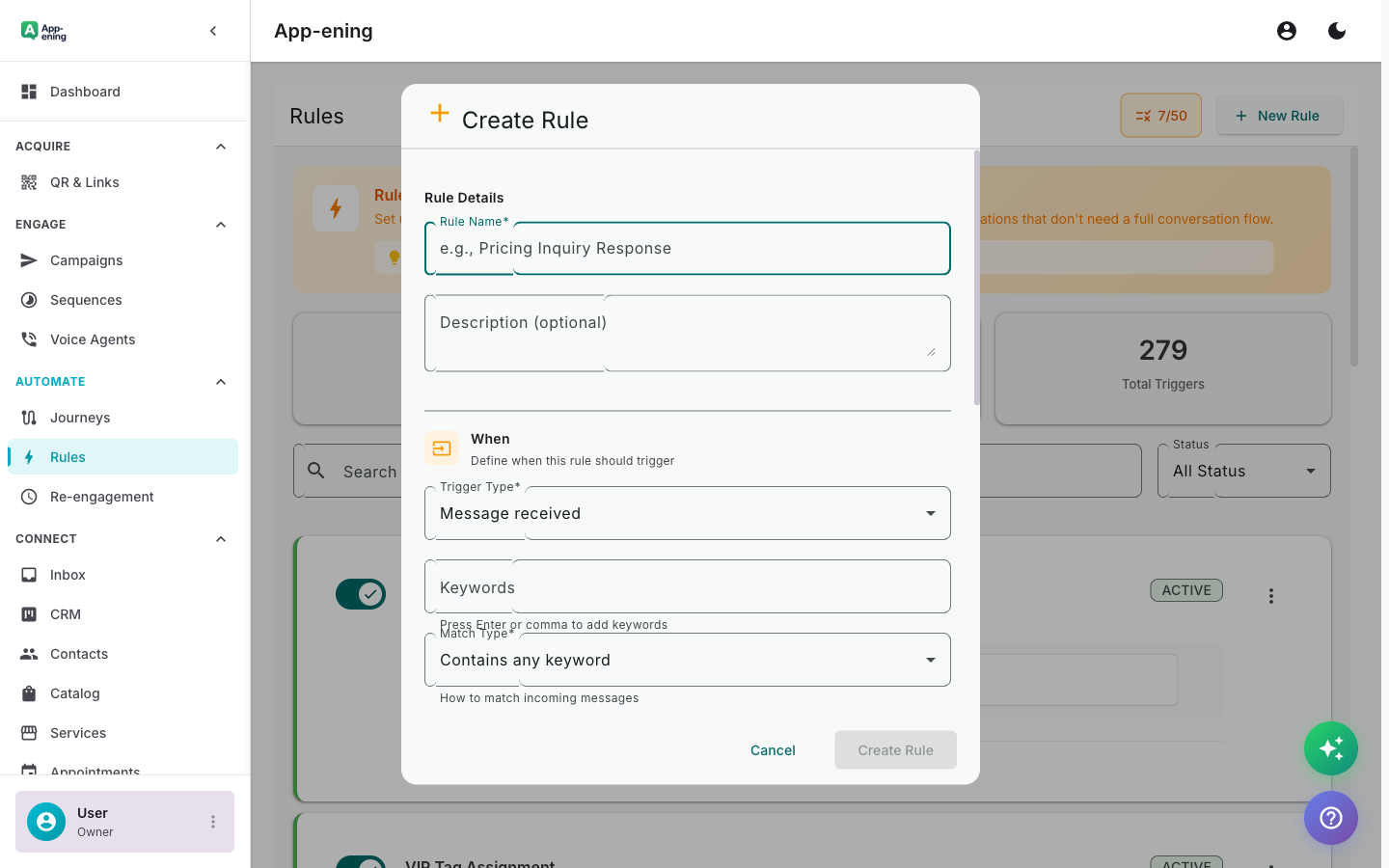
Define Your Trigger Condition — Rules Engine screenshot
2

Set the Action

Configure what happens: send a message, add a tag, assign to agent, start a journey, or call an external API.
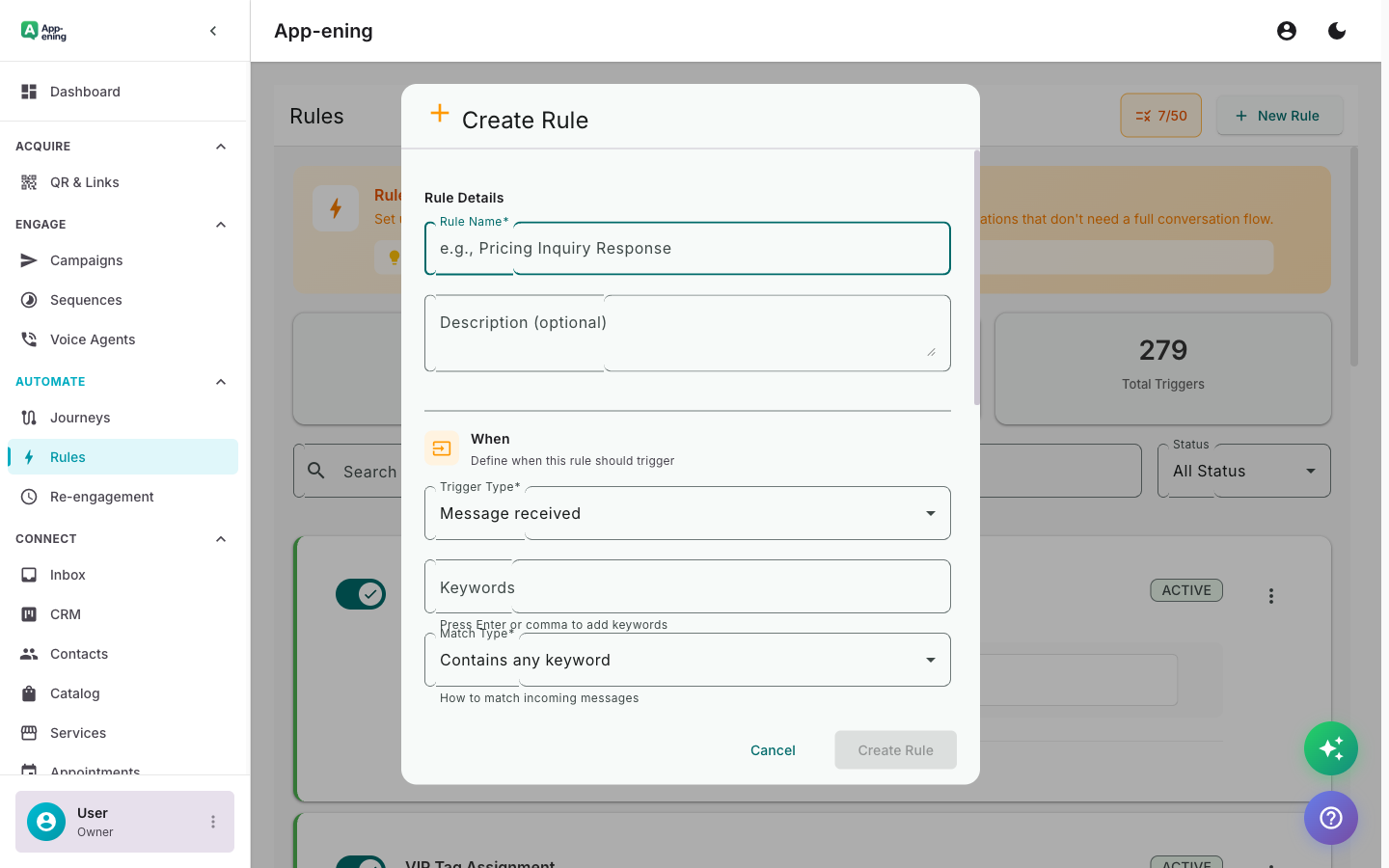
Set the Action — Rules Engine screenshot
3

Rules Run Automatically

Once activated, rules evaluate in real time. Every matching event triggers the configured action instantly.
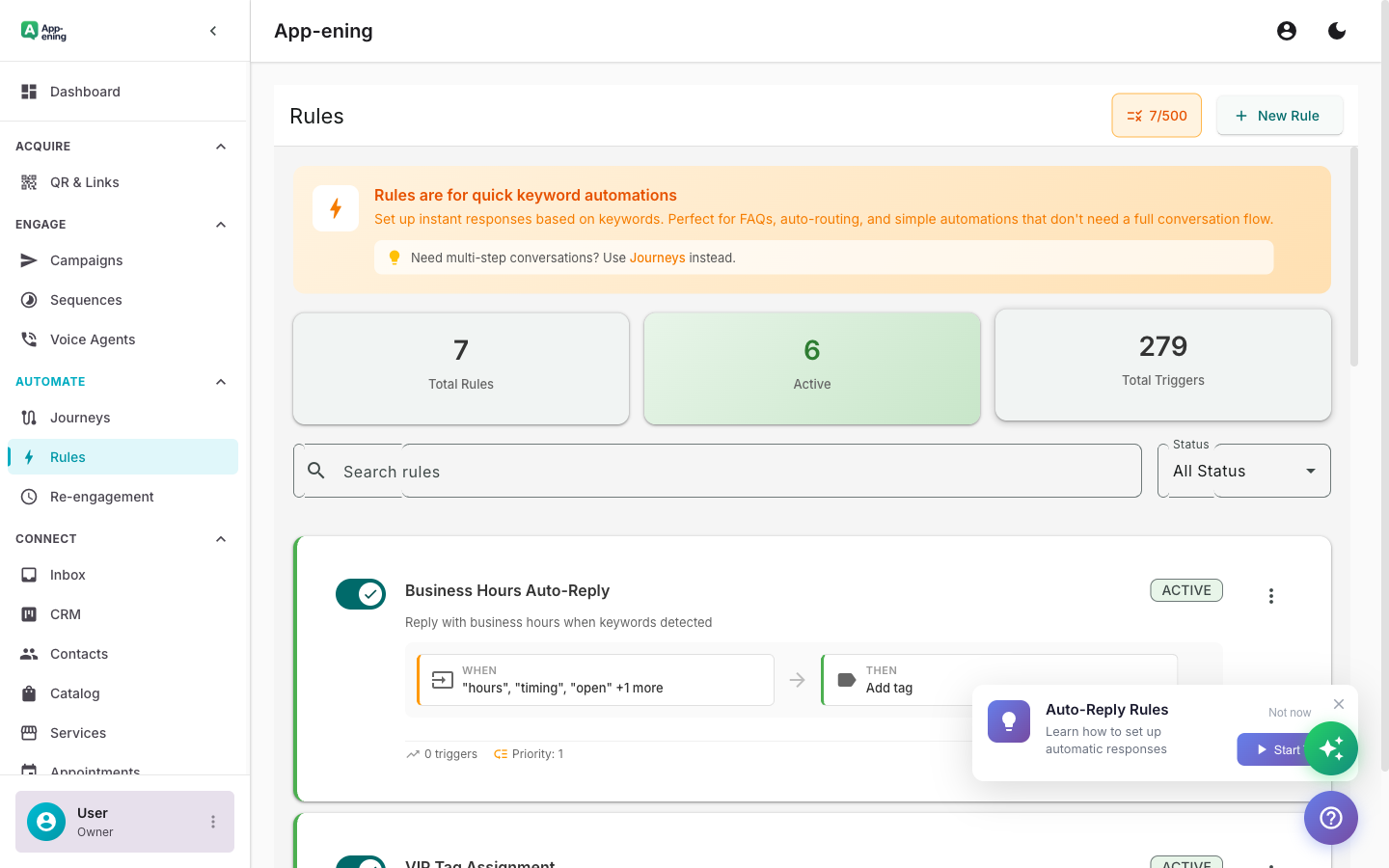
Rules Run Automatically — Rules Engine screenshot
How It Works

Step by Step

1

Configure

Set up Rules Engine in your App-ening dashboard. Customise settings to match your workflow.

2

Activate

Turn on the feature and connect it with your existing tools and Pakistan business processes.

3

Results

See results from day one with automated WhatsApp workflows that save time and grow revenue.

Use Cases

How Businesses in Pakistan Use Rules Engine

Lead Routing

Auto-assign new leads to sales reps based on language, location, or inquiry type.

Tag-Based Automation

When a contact is tagged "VIP", auto-move to priority queue and notify the account manager.

Escalation Rules

If no agent responds within 5 minutes, escalate to the next available agent or manager.

Real Results

What Businesses Achieve

P
PeakPerform Fitness
Karachi
Challenge

Manually tagging and routing new member enquiries

Results
24 hours → instant
Processing Time
100% (was 70% manual)
Lead Routing Accuracy
+18% from faster response
Membership Sign-ups
“New enquiries are automatically tagged, assigned to the right trainer, and get a welcome message — in under a second.”
Plans

Available On

Free
Starter
Pro
Business

What You Get on Each Plan

Free: 1 rule. Starter: 10 rules. Pro: Unlimited + webhook triggers. Business: Unlimited + priority execution.

Compare all plans →

FAQ

Frequently Asked Questions

How many rules can I create?+
Unlimited on all paid plans. Free plan supports 1 rule.
Do rules run retroactively?+
No. Rules only fire on new events after activation. Use bulk actions for existing contacts.
Can rules conflict with each other?+
Rules execute in priority order. The first matching rule wins, preventing conflicts.

Related Features

Team Inbox

Learn more →

AI Assistant

Learn more →

Campaigns

Learn more →

Ready to Transform Your WhatsApp?

Start for free. No credit card. Set up in minutes.

Get Started Free

Free plan available · No credit card required