Team Inbox

Team Inbox - WhatsApp Business feature for Nigeria businesses.

Get Started Free
Team Inbox
Key Capabilities

Everything You Get with Team Inbox

Multi-Agent Access

Multiple team members handle conversations simultaneously with collision detection and agent assignment.

Smart Assignment

Auto-assign chats to agents based on round-robin, load balancing, or skill-based routing rules.

Internal Notes

Leave private notes on conversations visible only to team members — never sent to the customer.

Canned Responses

Save and reuse common replies across the team. Insert with a shortcut, personalise with contact fields.

Conversation Tags

Organise chats with colour-coded tags. Filter, search, and create automations based on tags.

SLA Timers

Track first-response and resolution times. Get alerts before SLA deadlines are breached.

How It Works

See Team Inbox in Action

1

Customer Sends a Message

When a customer messages your WhatsApp number, the conversation instantly appears in your shared inbox. Every team member can see it — no messages lost in personal phones.
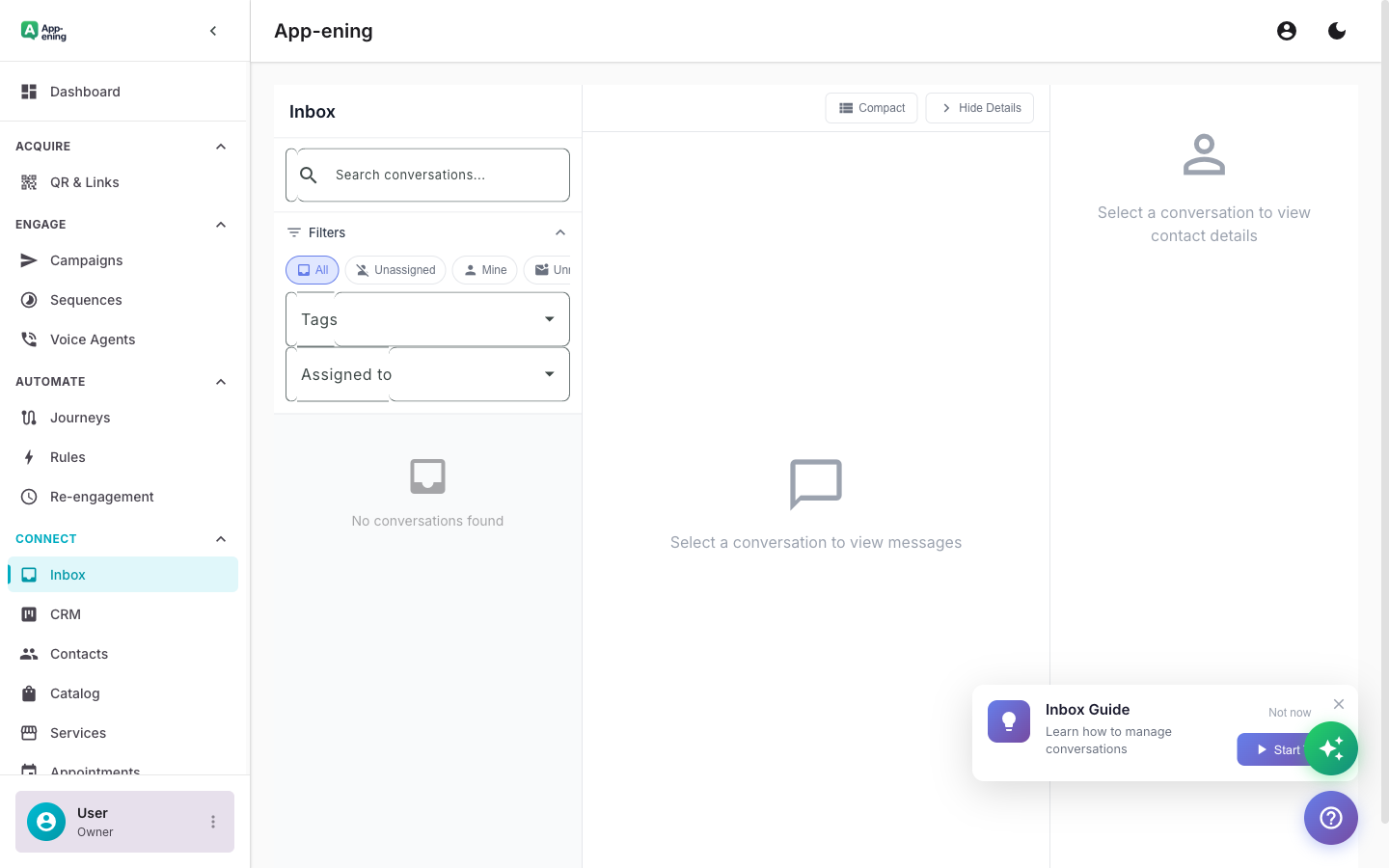
Customer Sends a Message — Team Inbox screenshot
2

Auto-Assign to the Right Agent

Round-robin or least-busy assignment ensures balanced workload. VIP customers can be routed to specific agents automatically.
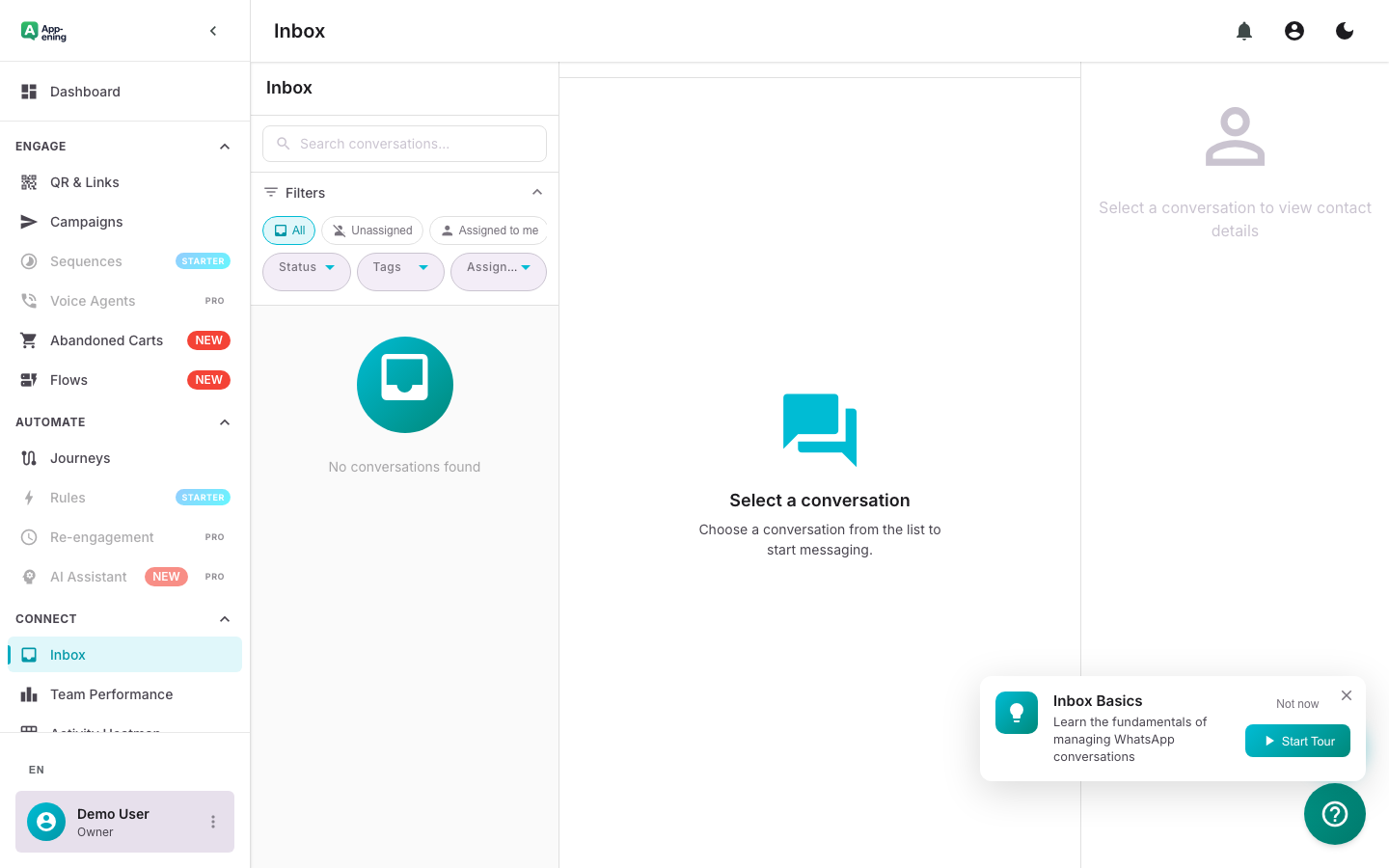
Auto-Assign to the Right Agent — Team Inbox screenshot
3

Reply with Context

See the full conversation history, internal notes from colleagues, and customer profile — all in one view. Use canned responses for common questions.
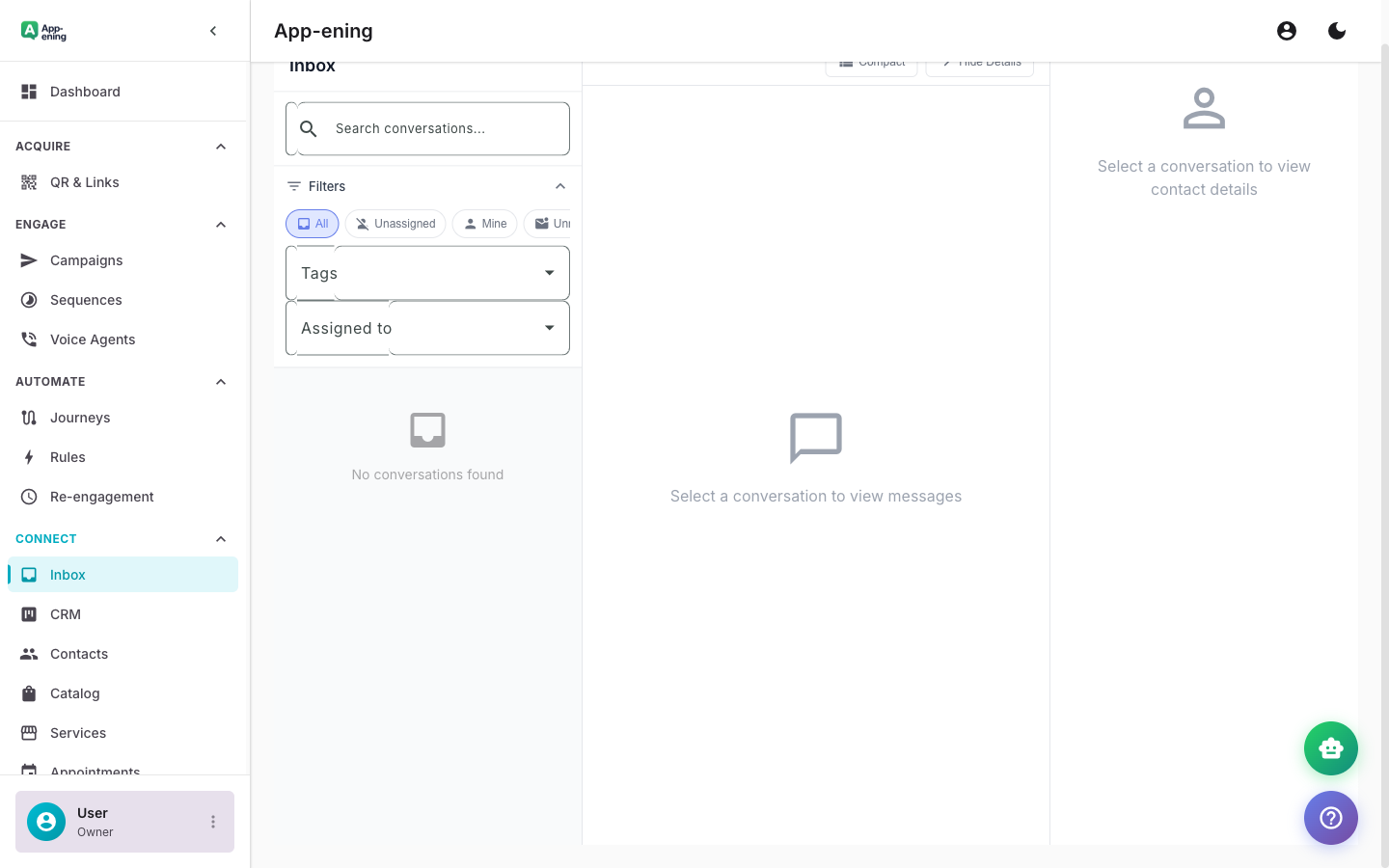
Reply with Context — Team Inbox screenshot
4

Resolve and Measure

Close conversations when resolved. Track first-response time, resolution time, and CSAT scores across your entire team.
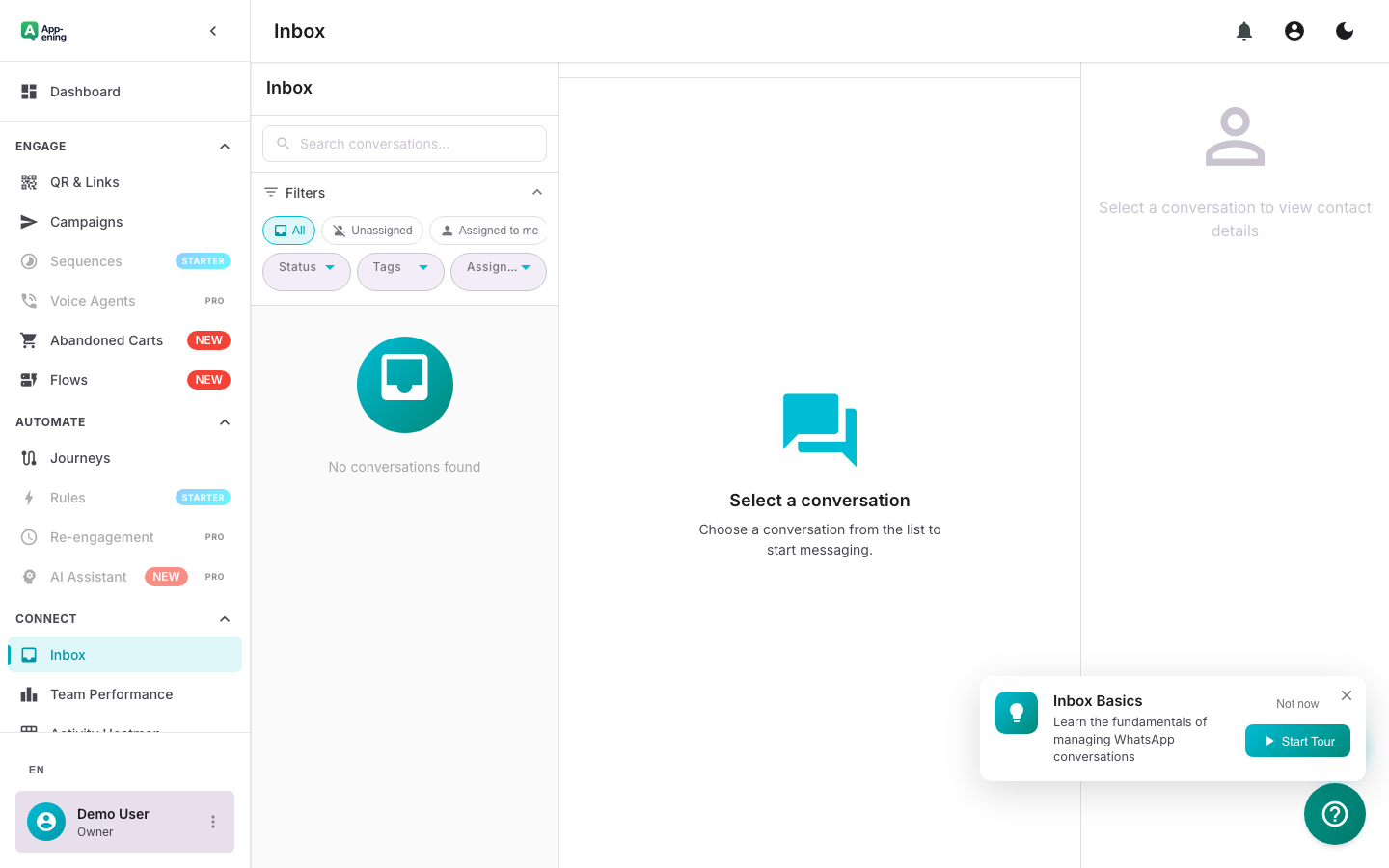
Resolve and Measure — Team Inbox screenshot
How It Works

Step by Step

1

Connect WhatsApp

Link your WhatsApp Business number to App-ening. Takes under 5 minutes with our guided setup wizard.

2

Invite Your Team

Add team members by email. Assign roles (admin, agent, viewer) and set permissions per agent.

3

Configure Routing

Set up auto-assignment rules — round-robin, skill-based, or department routing.

4

Start Chatting

Your team can immediately see and respond to all incoming WhatsApp conversations.

Use Cases

How Businesses in Nigeria Use Team Inbox

Customer Support

Handle support tickets via WhatsApp with team collaboration, escalation, and resolution tracking.

Sales Conversations

Qualify leads, share catalogues, and close deals — all inside the shared inbox with CRM context.

Order Updates

Send shipping notifications, handle delivery queries, and process returns from a single dashboard.

Real Results

What Businesses Achieve

N
NovaBuy Electronics
Lagos
Challenge

Managing 200+ daily WhatsApp queries with one person

Results
4 hours → 8 minutes
Response Time
4.6/5 across 3,200+ conversations
CSAT Score
1 → 5 agents on one number
Team Size
“We went from missing half our messages to responding in under 10 minutes.”
Plans

Available On

Free
Starter
Pro
Business

What You Get on Each Plan

Free: 1 agent. Starter: 3 agents. Pro: 10 agents with auto-assignment. Business: 25 agents with skill-based routing.

Compare all plans →

FAQ

Frequently Asked Questions

How many agents can use the Team Inbox?+
Free plan supports 1 agent, Starter supports 3, Pro supports 10, Business supports 25, and Enterprise is unlimited.
Can I see who is handling each conversation?+
Yes. Every conversation shows the assigned agent, and you get real-time presence indicators showing who is currently viewing.
Does it work on mobile?+
Yes. The App-ening mobile app gives full inbox access on iOS and Android with push notifications.

Related Features

AI Assistant

Learn more →

Campaigns

Learn more →

Automation

Learn more →

Ready to Transform Your WhatsApp?

Start for free. No credit card. Set up in minutes.

Get Started Free

Free plan available · No credit card required