Reminder Calls

Reminder calls in your own voice. See who pressed 1.

Paste your list, record a 20-second message, and we call every customer about the payment, appointment, or class that’s due. You get back one list: who’s paying, who’s coming, and who wants a call back.

Available soon in the US. Book a 15-minute demo and we’ll call you the day it goes live.

Start calling for $19 Book a 15-minute demo

$19 first run · then $49/month for 300 answered calls

A smiling woman answering a phone call
Hear a sample call · about 20 seconds
  1. Your voiceGreeting, your name, your business
  2. Assistant voiceEach person’s name, amount and date
  3. They press1 · 2 · 9

“Hi Sarah, it’s Mike at Lakeside Dental. Just confirming your cleaning on Thursday, October ninth, at ten thirty. Press 1 if that still works. Press 2 if you need to reschedule and want a call back. Press 9 to stop these calls.”Sample script — dental office

Sample call. Names and businesses are made up. The call opens in your voice — your greeting, your name and your business — and the details for each person are read by a clear assistant voice.
1

Paste your list

Names, cell numbers, amounts, dates — straight from Excel or Google Sheets. We find the columns.

2

Record your message

20 seconds in your own voice. Hear it on a test call to your phone first — not charged.

3

See who pressed 1

Live results, the call-back list first, and an Excel download.

A meta-analysis of appointment-reminder studies found that reminders — telephone reminders in particular — improve attendance.

Example math, not a customer result: if one $150 appointment shows up instead of no-showing because of the call, the $19 run has paid for itself almost eight times over.

How it works

Two screens. About five minutes.

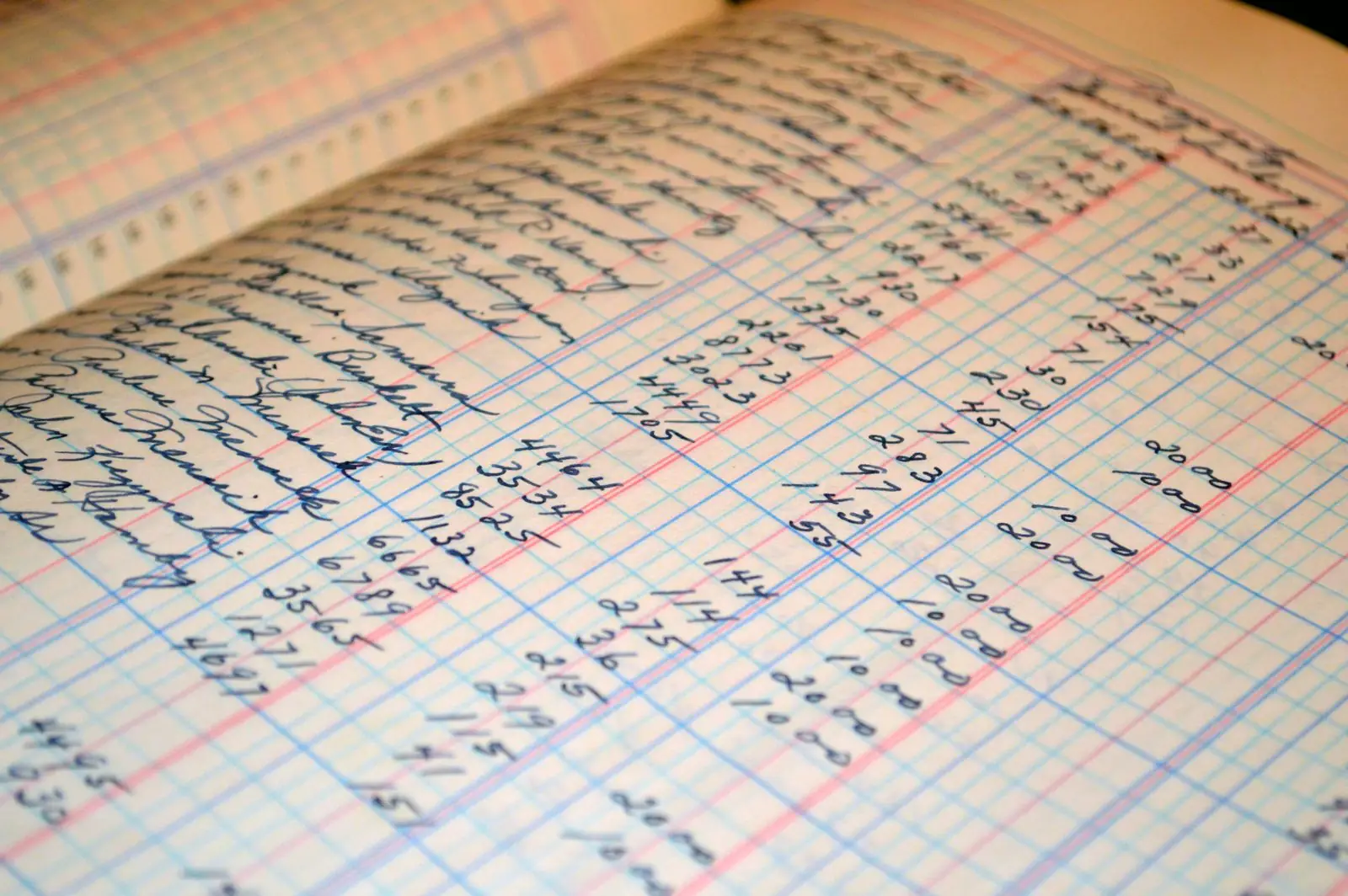
A hand-written fee register, the kind of list you paste in
1

Screen 1 — the list

Pick the job (appointment, payment due, or class), paste your list and type your business name. You see the script with every name, amount and date filled in before anything goes out.

2

Screen 2 — your message

Record 20 seconds on your phone or keep our standard voice. Call your own number to hear it (not charged). Pick now or tomorrow 10 AM, pay, and the calls go out.

3

Results

Your results page fills in as calls complete: answered, pressed 1, pressed 2, asked to stop, no answer. The call-back list is at the top. Download Excel, or turn on the monthly plan when you’re ready.

Examples

What the call sounds like for different businesses

Dental office

“Hi Sarah, it’s Mike at Lakeside Dental. Just confirming your cleaning on Thursday, October ninth, at ten thirty. Press 1 if that still works. Press 2 if you need to reschedule and want a call back. Press 9 to stop these calls.”

HVAC

“Hi Dan, it’s Carla at Summit Heating and Air. Your invoice of three hundred forty dollars is due on Friday, October tenth. Press 1 if you’ll have it in by then. Press 2 if you’d like a call back. Press 9 to stop these calls.”

Tutoring

“Hi Priya, it’s Luis at Bright Path Tutoring. Session’s on Tuesday, October seventh, at four P.M. Press 1 if you’re coming. Press 2 if you can’t make it and want a call back. Press 9 to stop these calls.”

FAQ

Questions owners ask first

Do I need WhatsApp or any setup?
No. Paste a list, record a message, pay. The first call goes out the same day.
What number shows on their phone?
A US number assigned to your business. Calls go out between 10 AM and 6 PM in your customers’ time zone, never earlier or later.
What if nobody answers?
We try each number up to three times across the day. Anyone who still doesn’t pick up shows as “No answer” so you know who to text or call yourself.
What counts as consent?
If a customer gave you their cell number for appointments, invoices, or classes, that’s prior express consent for reminder calls under the TCPA. These are reminders to your own customers — not sales calls, not cold calls. Every call lets them press 9 to stop future calls, and we honor it automatically.
Can I use it for sales or win-back calls?
Not with Reminder Calls. It’s built for payments due, appointments, and roll calls to people who already do business with you.
What’s in the results?
Who answered, who pressed 1 (will pay / confirmed / attending), who pressed 2 (call me back — shown first), who asked to stop, and who didn’t answer. Download it as Excel or have it emailed to you.
What does it cost after the first run?
$49 a month for 300 answered calls. Extra answered calls are 25¢ each. Cancel anytime.
Price

Two prices. Nothing else.

First run
$19 for your first run

Up to 100 answered calls, in your voice, results in Excel.

Then monthly
$49 per month

300 answered calls · extra calls 25¢ each · cancel anytime.

Sales tax added at checkout where it applies. You pay per answered call — no charge for numbers that don’t pick up.

Start calling for $19 Book a 15-minute demo

By starting, you confirm your customers gave prior express consent to receive automated calls from your business.