CRM

CRM - WhatsApp Business feature for Philippines businesses.

Get Started Free
CRM Pipeline
Key Capabilities

Everything You Get with CRM

Pipeline Management

Visual drag-and-drop pipeline with customisable stages to track deals from lead to close.

Contact Profiles

Rich contact cards with conversation history, tags, custom fields, notes, and activity timeline.

Deal Tracking

Track deal value, probability, expected close date, and assigned salesperson for each opportunity.

Custom Fields

Add unlimited custom properties to contacts — text, number, date, dropdown, or multi-select.

Activity Timeline

See every interaction (messages, calls, appointments, payments) in a single chronological view.

Stage Automation

Automatically move contacts through pipeline stages based on actions like replies or payments.

How It Works

See CRM in Action

1

Every Conversation Becomes a Contact

When someone messages you on WhatsApp, a contact record is created automatically with phone, name, and conversation history.
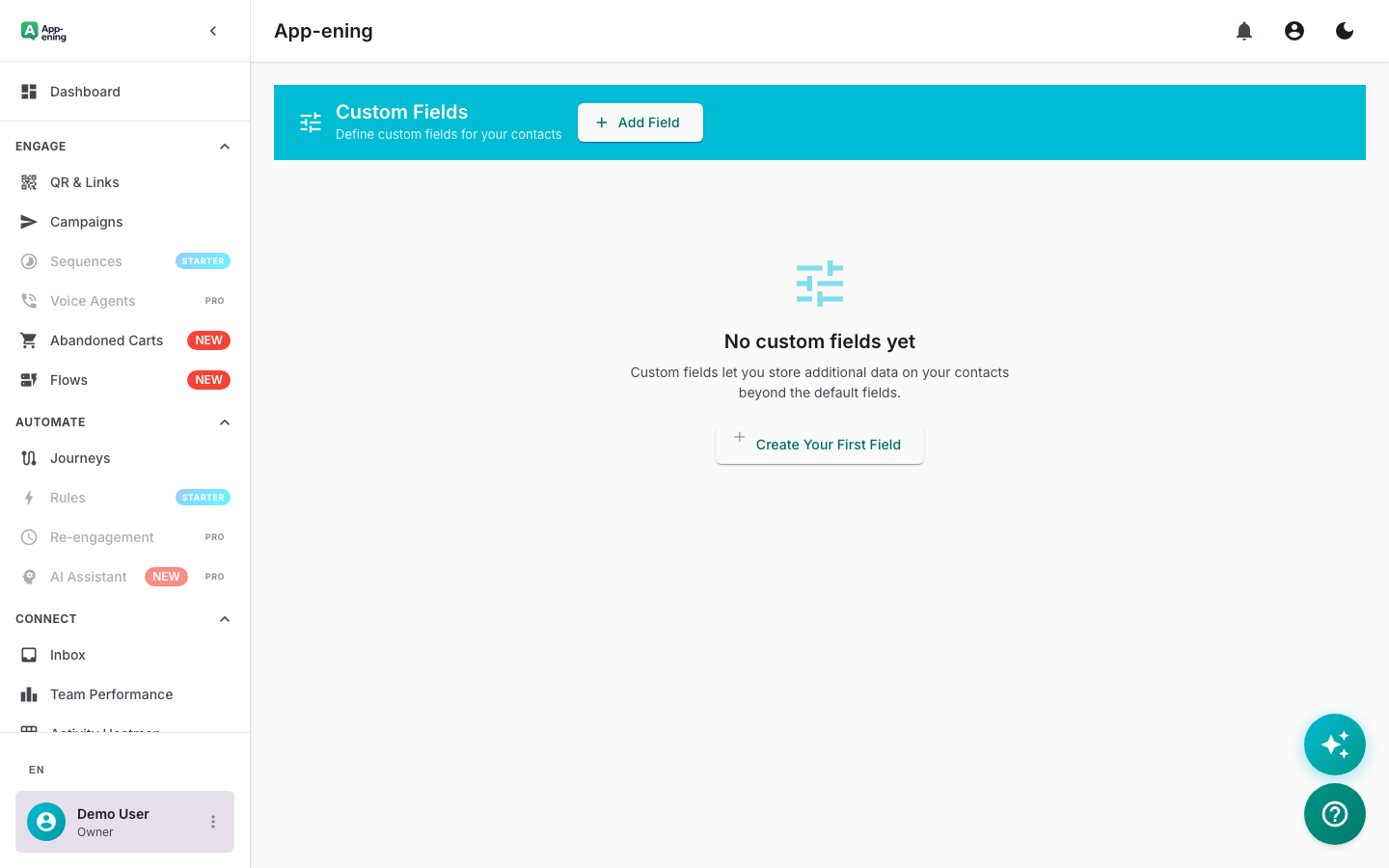
Every Conversation Becomes a Contact — CRM screenshot
2

Track the Customer Journey

Move contacts through pipeline stages — Lead, Qualified, Proposal, Won. See the full journey from first message to closed deal.
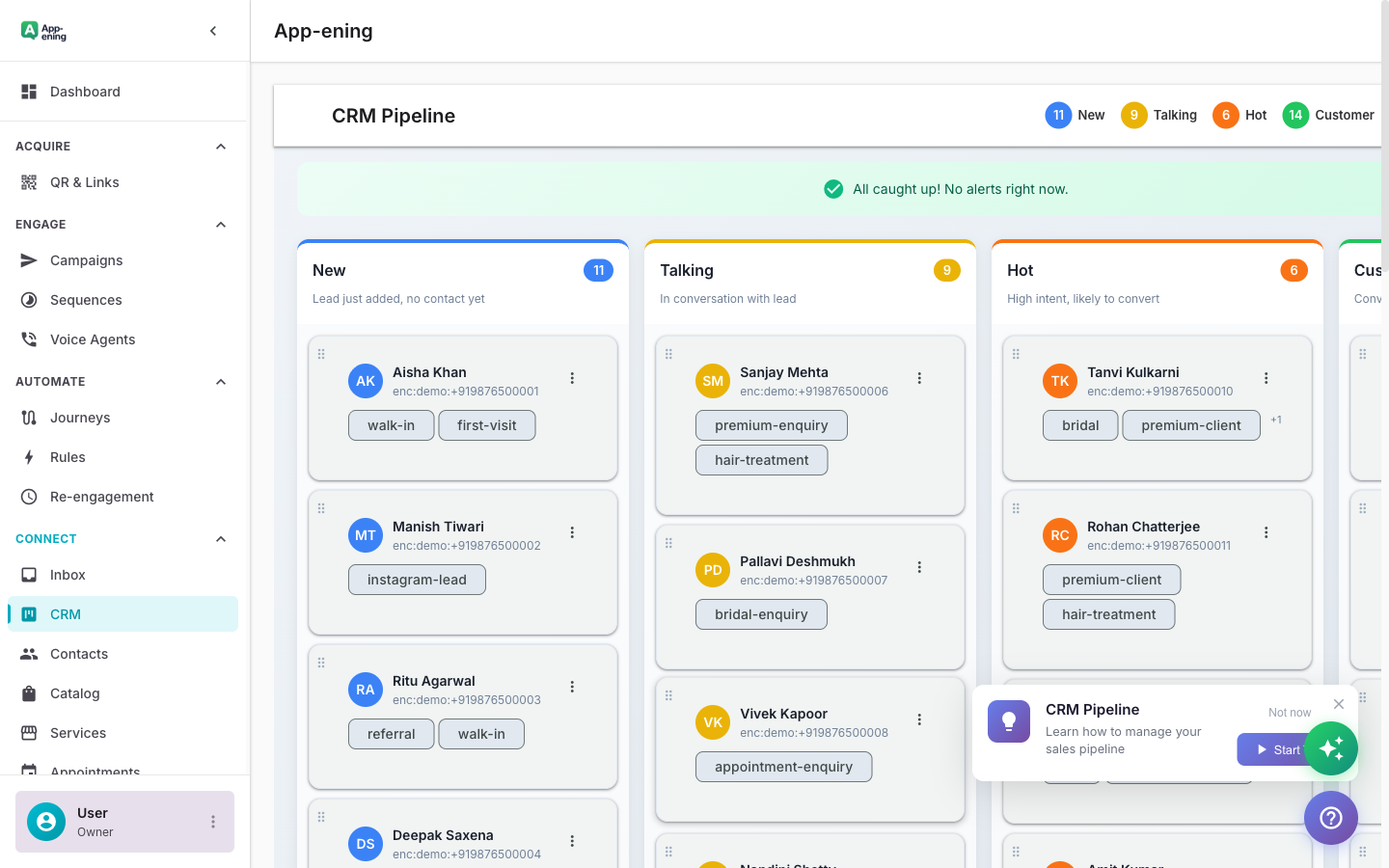
Track the Customer Journey — CRM screenshot
3

Add Notes, Tags, and Custom Fields

Enrich each contact with internal notes, colour-coded tags, and custom fields specific to your business (e.g., vehicle model, appointment type).
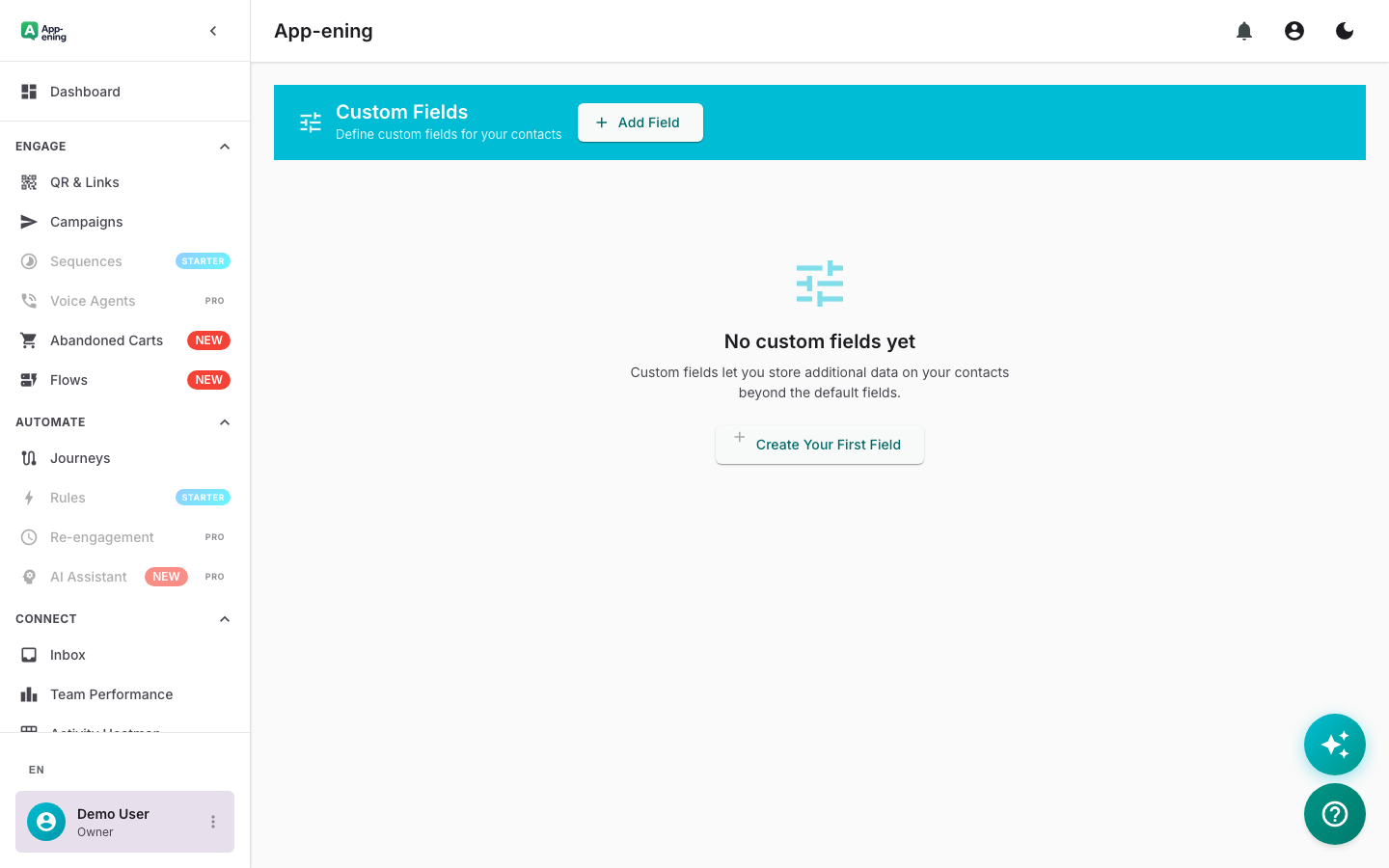
Add Notes, Tags, and Custom Fields — CRM screenshot
4

Set Reminders and Follow-ups

Never forget a follow-up. Set reminders that notify you or your team when it is time to reach out to a contact again.
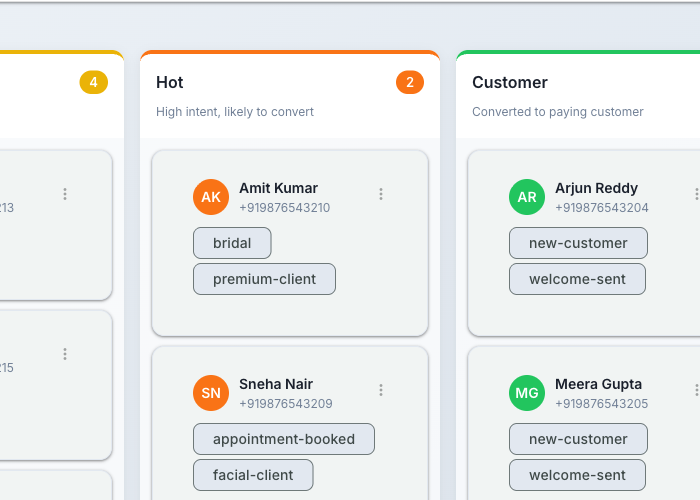
Set Reminders and Follow-ups — CRM screenshot
How It Works

Step by Step

1

Import Contacts

Import your existing contacts from CSV, Google Contacts, or Google Sheets. Map fields automatically.

2

Customise Pipeline

Create stages that match your sales process — New Lead, Contacted, Qualified, Proposal, Won/Lost.

3

Add Custom Fields

Define fields specific to your business — budget, source, product interest, or any custom property.

4

Enable Automation

Set up auto-tagging and stage transitions so contacts move through the pipeline automatically.

Use Cases

How Businesses in Philippines Use CRM

Sales Pipeline

Track leads from initial inquiry through qualification, proposal, negotiation, to closed-won.

Client Onboarding

Manage new client setup with checklists, document collection, and milestone tracking.

Renewal Management

Track subscription renewals and trigger re-engagement campaigns before contracts expire.

Real Results

What Businesses Achieve

U
UrbanFit Studios
Manila
Challenge

Customer data scattered across spreadsheets and personal phones

Results
100% of conversations tracked
Contact Visibility
40% → 92% of leads followed up
Follow-up Rate
+28% increase
Repeat Bookings
“Having every customer interaction in one place means nothing falls through the cracks.”
Plans

Available On

Free
Starter
Pro
Business

What You Get on Each Plan

Free: Basic contact list. Starter: Tags and custom fields. Pro: Pipeline stages and deal tracking. Business: Full CRM with analytics.

Compare all plans →

FAQ

Frequently Asked Questions

Can I import existing contacts?+
Yes. Import from CSV, Google Contacts, Google Sheets, or via REST API. All data maps to contact fields.
Is there a contact limit?+
Free: 100 contacts, Starter: 1,000, Pro: 5,000, Business and Enterprise: unlimited.
Can I customise pipeline stages?+
Yes. Create, rename, reorder, and colour-code stages to match your sales process.

Related Features

Team Inbox

Learn more →

AI Assistant

Learn more →

Campaigns

Learn more →

Ready to Transform Your WhatsApp?

Start for free. No credit card. Set up in minutes.

Get Started Free

Free plan available · No credit card required