Analytics

Analytics - WhatsApp Business feature for Bangladesh businesses.

Get Started Free
Analytics Dashboard
Key Capabilities

Everything You Get with Analytics

Message Analytics

Track sent, delivered, read, and replied metrics for every message and campaign.

Agent Performance

Monitor response times, resolution rates, and customer satisfaction scores per agent.

Campaign ROI

Measure revenue attributed to campaigns with conversion tracking and cost analysis.

Conversation Insights

Understand peak hours, popular topics, and sentiment trends across all conversations.

Custom Reports

Build tailored reports with date ranges, filters, and exportable CSV/PDF formats.

Real-Time Dashboard

Live overview of active conversations, queue depth, and team availability at a glance.

How It Works

See Analytics in Action

1

Dashboard Overview

See key metrics at a glance — conversations handled, response times, campaigns sent, and revenue generated through WhatsApp.
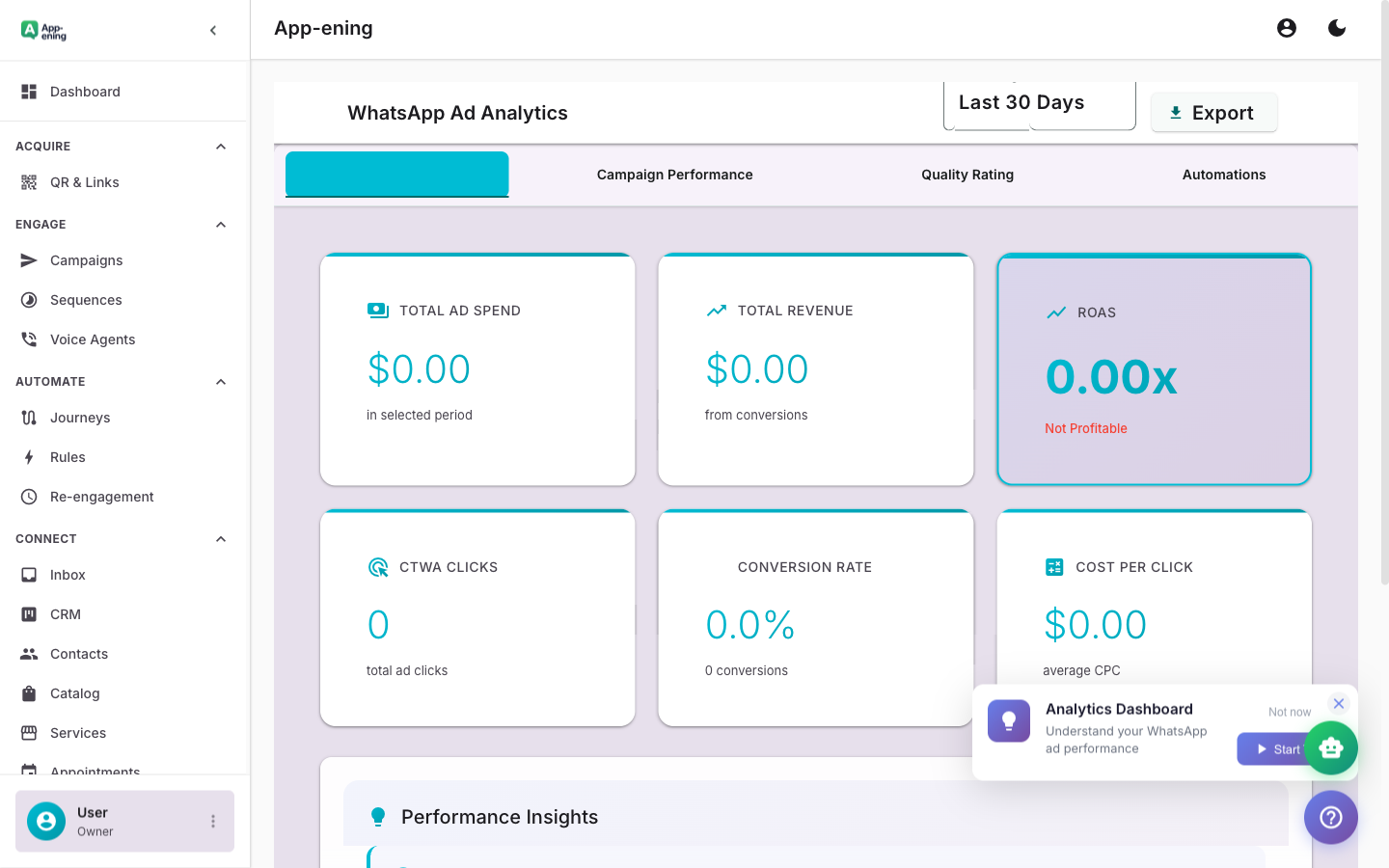
Dashboard Overview — Analytics screenshot
2

Campaign Performance

Drill into each campaign with delivery rates, open rates, reply rates, and click-through tracking on CTA buttons.
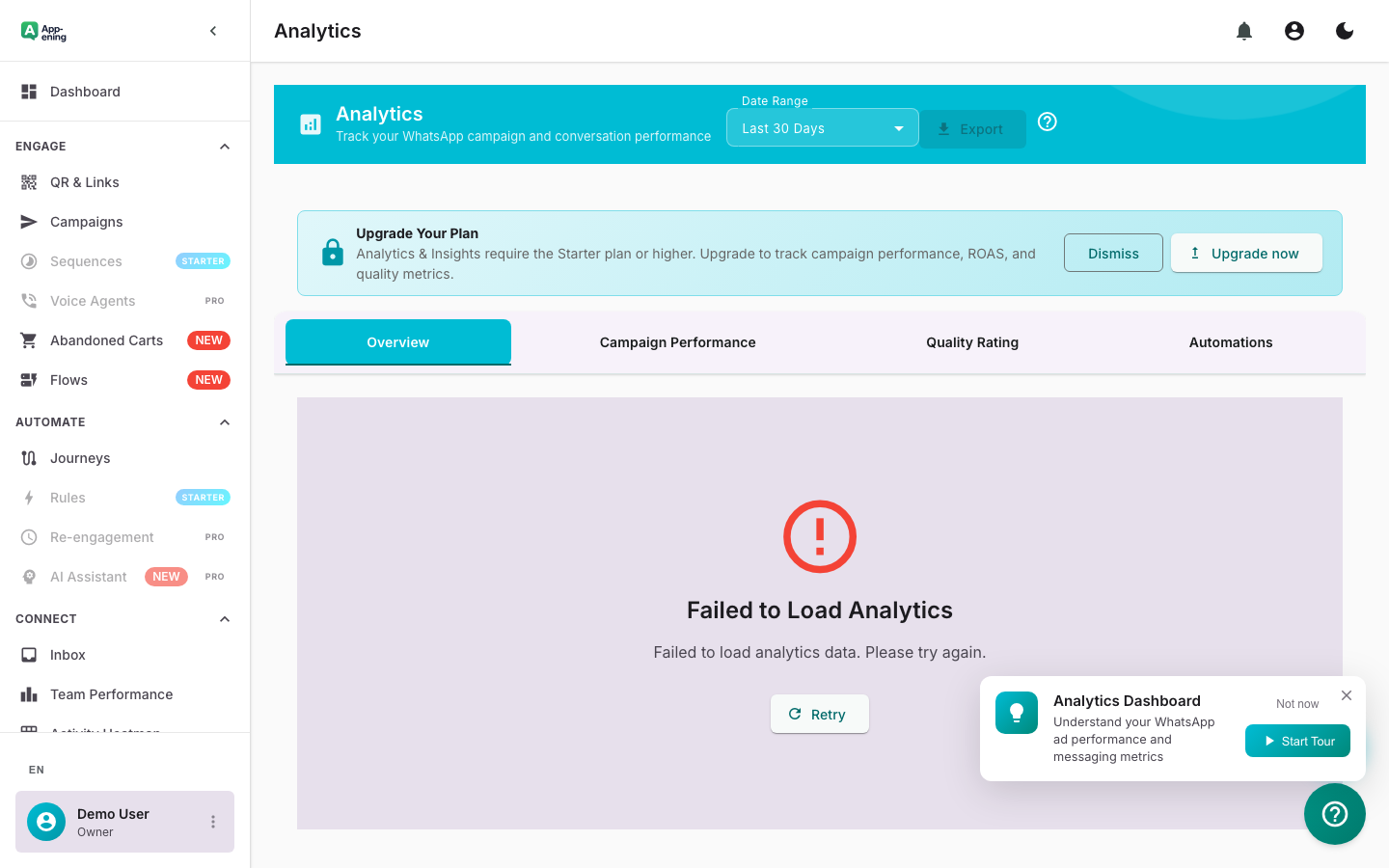
Campaign Performance — Analytics screenshot
3

Team Productivity

Track per-agent metrics: conversations handled, average response time, resolution rate, and CSAT scores.
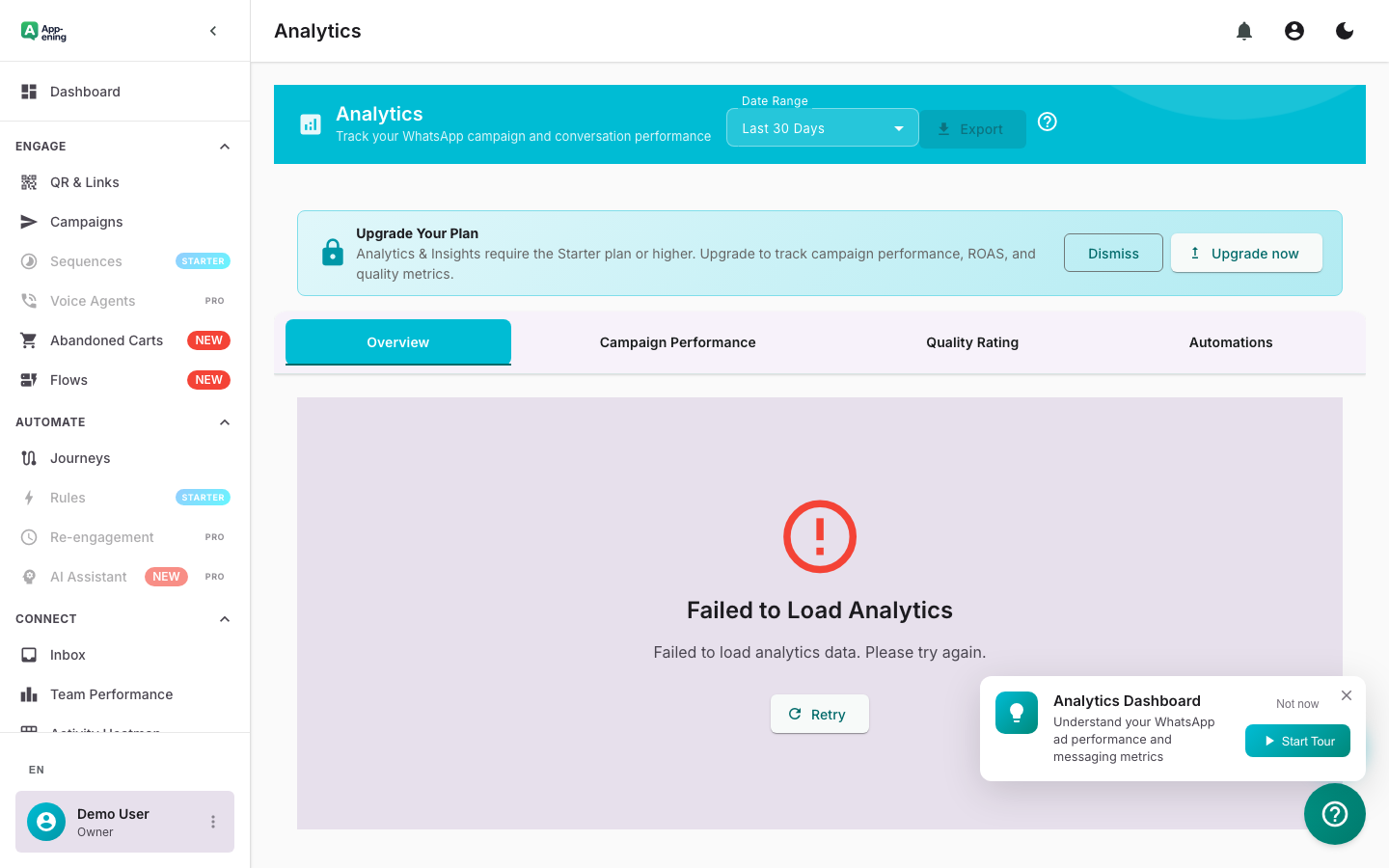
Team Productivity — Analytics screenshot
How It Works

Step by Step

1

Configure

Set up Analytics in your App-ening dashboard. Customise settings to match your workflow.

2

Activate

Turn on the feature and connect it with your existing tools and Bangladesh business processes.

3

Results

See results from day one with automated WhatsApp workflows that save time and grow revenue.

Use Cases

How Businesses in Bangladesh Use Analytics

Performance Reviews

Use agent metrics and SLA data for objective team performance evaluations.

Campaign Optimisation

Identify top-performing templates and audience segments to improve future campaigns.

Capacity Planning

Analyse conversation volume trends to forecast staffing needs during peak periods.

Real Results

What Businesses Achieve

B
BrightPath Academy
Dhaka
Challenge

No visibility into WhatsApp communication effectiveness

Results
Track ROI per campaign
Campaign Insight
Identify top performers
Agent Productivity
2 weeks → real-time
Decision Speed
“We can now prove WhatsApp ROI to management with real numbers — not guesswork.”
Plans

Available On

Free
Starter
Pro
Business

What You Get on Each Plan

Free: Basic message stats. Starter: Campaign analytics. Pro: Team performance + ROAS. Business: Custom reports and exports.

Compare all plans →

FAQ

Frequently Asked Questions

How far back does data go?+
Analytics data is retained for 12 months on Pro and above. Starter retains 3 months.
Can I export reports?+
Yes. Export to CSV or PDF. Scheduled email reports are available on Business and Enterprise plans.
Is real-time data available?+
Yes. The dashboard updates every 30 seconds with live conversation and agent activity data.

Related Features

Team Inbox

Learn more →

AI Assistant

Learn more →

Campaigns

Learn more →

Ready to Transform Your WhatsApp?

Start for free. No credit card. Set up in minutes.

Get Started Free

Free plan available · No credit card required