Fire rules when tags are added, messages received, contacts created, or appointments booked.
Set conditions using contact fields, tags, time, and message content with AND/OR logic.
Send messages, add/remove tags, assign agents, update CRM stage, trigger webhooks, and more.
Rules execute in priority order. First matching rule wins to prevent conflicting actions.
Test rules against sample contacts before activating to verify expected behaviour.
See which rules fired, for which contacts, and what actions were taken — with timestamps.
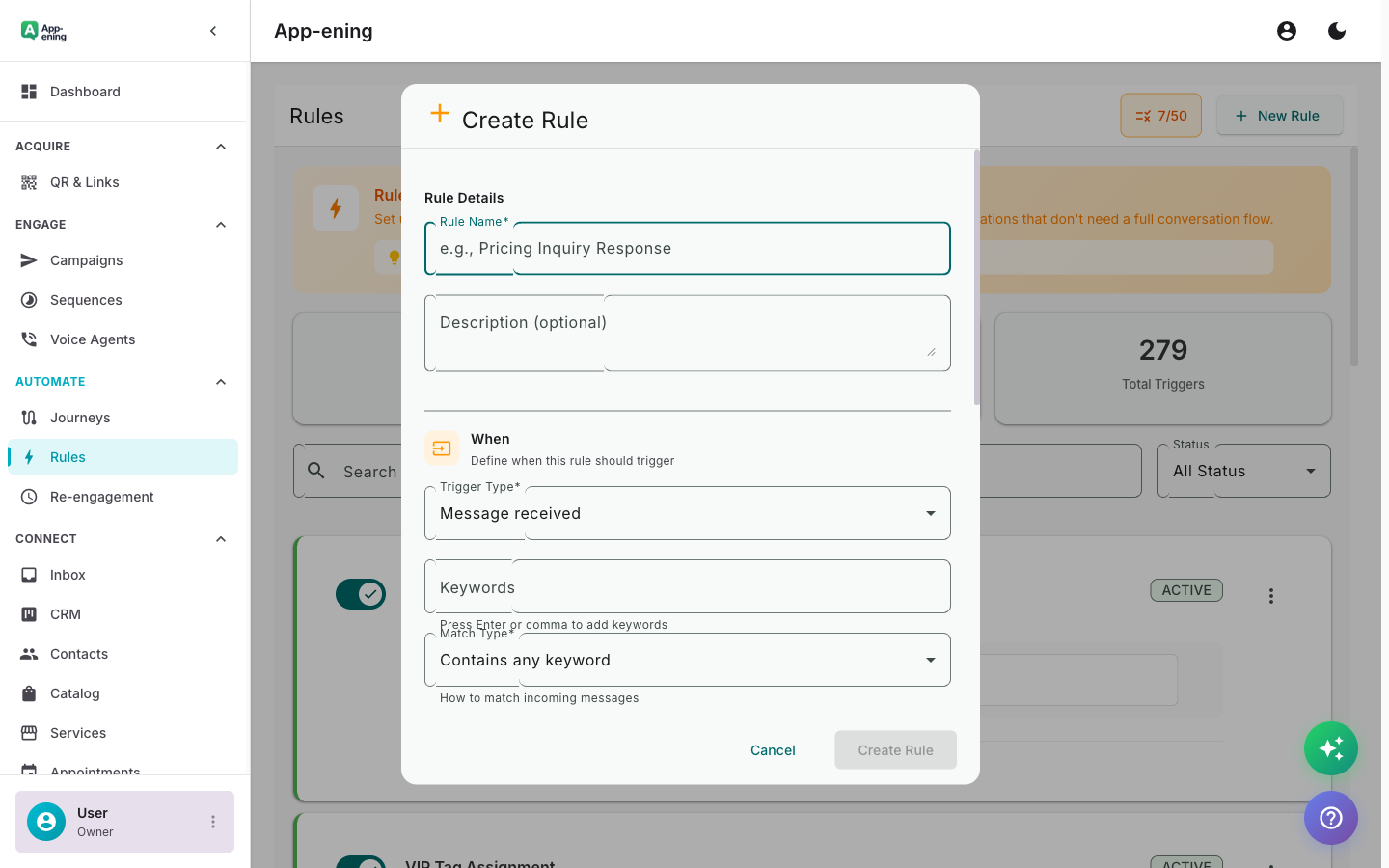
Choose from dozens of triggers: tag added, message keyword, time-based, payment status, or custom webhook events.
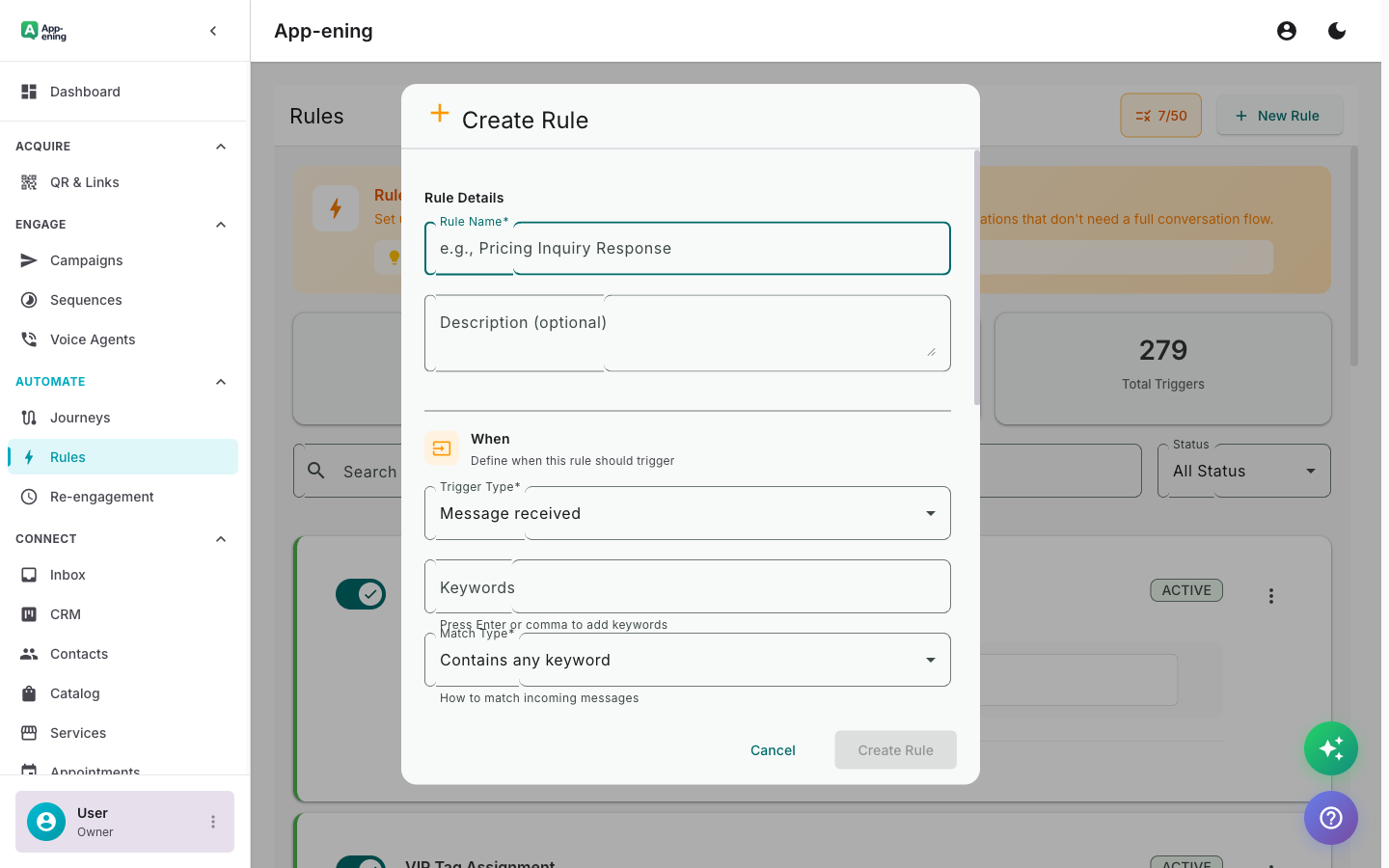
Configure what happens: send a message, add a tag, assign to agent, start a journey, or call an external API.
Once activated, rules evaluate in real time. Every matching event triggers the configured action instantly.
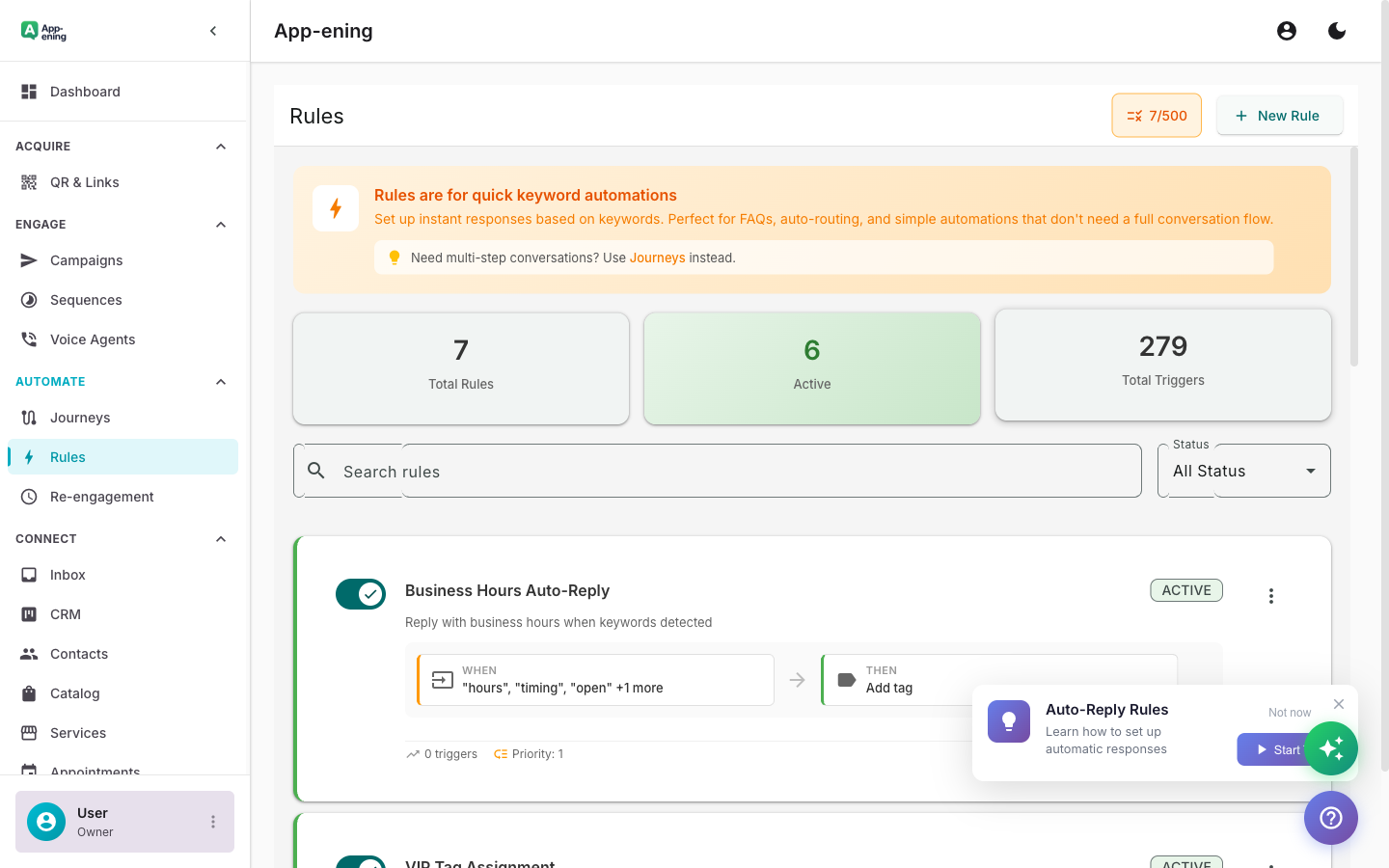
Set up Rules Engine in your App-ening dashboard. Customise settings to match your workflow.
Turn on the feature and connect it with your existing tools and Bangladesh business processes.
See results from day one with automated WhatsApp workflows that save time and grow revenue.
Auto-assign new leads to sales reps based on language, location, or inquiry type.
When a contact is tagged "VIP", auto-move to priority queue and notify the account manager.
If no agent responds within 5 minutes, escalate to the next available agent or manager.
Free: 1 rule. Starter: 10 rules. Pro: Unlimited + webhook triggers. Business: Unlimited + priority execution.
Start for free. No credit card. Set up in minutes.
Get Started FreeFree plan available · No credit card required