WhatsApp Payment Collection
Collect payments directly in WhatsApp conversations. Generate payment links, track transactions, and automate payment reminders with Razorpay integration.
Get StartedCollect payments directly in WhatsApp conversations. Generate payment links, track transactions, and automate payment reminders with Razorpay integration.
Get StartedConnect Razorpay, Stripe, or other payment providers. Switch gateways without losing data.
Generate unique payment links with custom amounts, descriptions, and expiry dates.
Complete record of all payments with filters by status, date range, and contact.
Send payment reminders for pending invoices. Escalate overdue payments automatically.
Track daily, weekly, and monthly revenue with breakdowns by product and payment method.
Accept payments in local currency. Display prices in the customer's preferred currency.
Link your Razorpay account in minutes. All payment processing happens through your own merchant account.
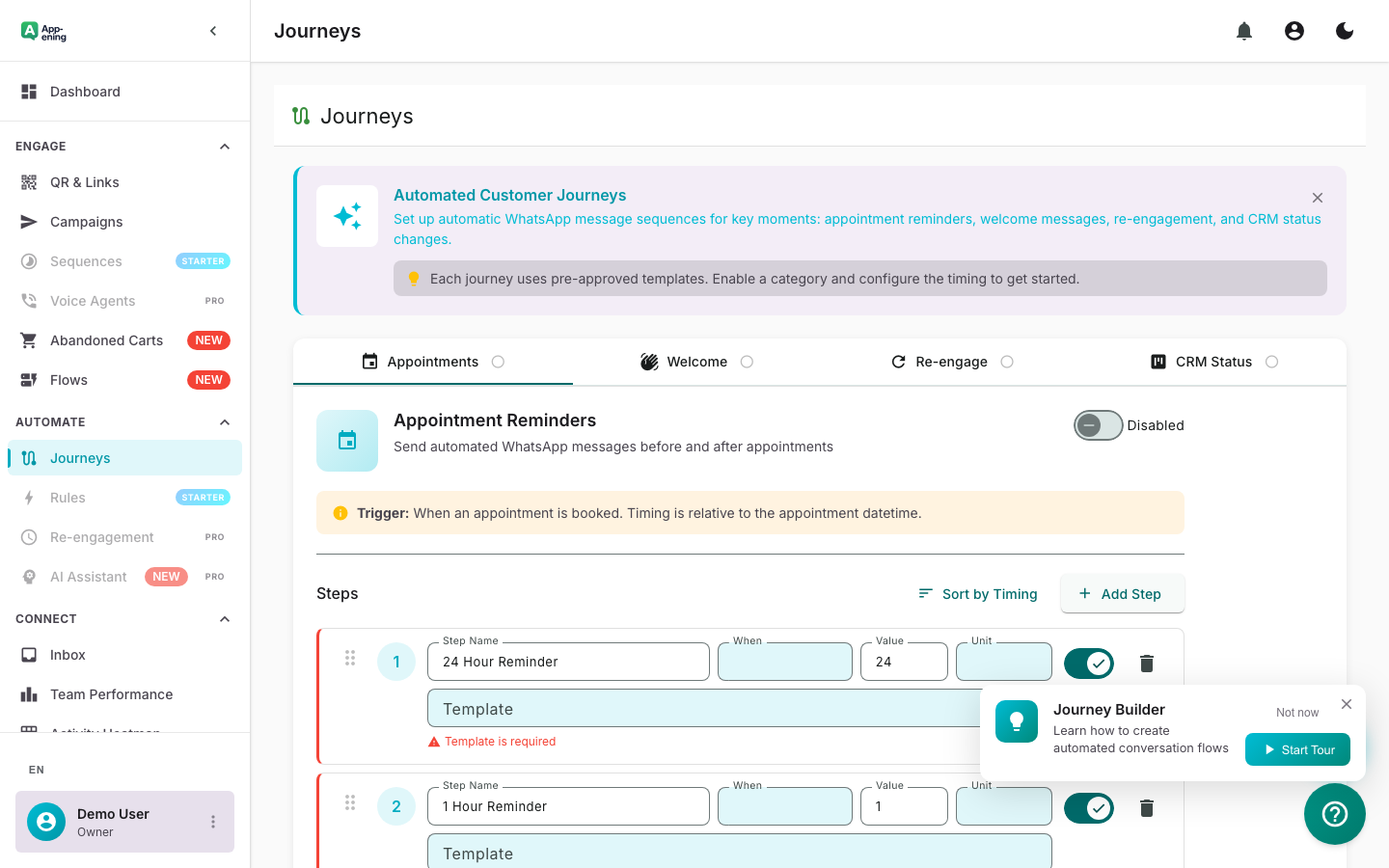
Set up automated WhatsApp reminders for overdue invoices. Escalate from gentle nudge to formal notice.
Track collections in real time. See total revenue, pending amounts, and payment success rates by customer segment.
Set up Payments in your App-ening dashboard. Customise settings to match your workflow.
Turn on the feature and connect it with your existing tools and India business processes.
See results from day one with automated WhatsApp workflows that save time and grow revenue.
Send payment links for appointment deposits directly inside the booking confirmation WhatsApp message. When a customer books a consultation, haircut, or home repair visit, the confirmation message includes a one-tap payment link for the deposit amount. A spa charging a 500-rupee booking deposit can include the Razorpay payment link right in the appointment confirmation -- the customer taps, pays via UPI or card, and gets an instant receipt. No-show rates drop because customers who have paid a deposit are 3x more likely to show up. If they do not pay within 2 hours, an automated reminder goes out with the same link.
Set up automated payment reminder sequences for overdue invoices with one-click payment links. Instead of manually chasing payments, configure a 3-step sequence: a friendly reminder on the due date, a second nudge 3 days later, and a final notice at 7 days. Each message includes a direct payment link so the customer can settle the invoice in two taps. A freelance graphic designer with 20 active clients can automate all payment follow-ups and reduce average collection time from 14 days to 3 days. The payment dashboard shows exactly who has paid, who is overdue, and the total outstanding amount at a glance.
Collect event fees via WhatsApp with instant confirmation and ticket delivery. When promoting a workshop, seminar, or community event, send a broadcast campaign with event details and a registration payment link. Once the attendee pays, App-ening automatically sends a confirmation message with event details, location, and a calendar invite link. A yoga studio hosting a weekend workshop for 30 participants can handle registration, payment, confirmation, and day-before reminders entirely through WhatsApp -- no event platform subscription needed, no manual tracking of who has paid.
Starter: Basic payment links. Pro: Automated reminders + receipts. Business: Multi-currency + reconciliation.
Start your 180-day money-back guarantee. Set up in minutes.
Get Started