Reminder Calls

Reminder calls in your own voice. See who pressed 1.

Fee reminders · appointment confirmations · weekly roll-calls · works with your existing spreadsheet · no WhatsApp setup

Start a run

Pay per run, or monthly for 300 answered calls. Local pricing on your region’s page.

A smiling woman answering a phone call
Hear a sample call · about 20 seconds
  1. Your voiceGreeting, your name, your business
  2. Assistant voiceEach person’s name, amount and date
  3. They press1 · 2 · 9

“Hi {Name}, it’s {Owner} at {Business}. Your payment of {Amount} is due on {Date}. Press 1 if you’ll pay by then. Press 2 if you’d like a call back. Press 9 to stop these calls.”Sample script — the fields in braces are filled from your list
1

Paste your list

Names, numbers, amounts, dates — straight from Excel or Google Sheets. We find the columns.

2

Record your message

20 seconds in your own voice. Hear it on a test call to your own phone first — not charged.

3

See who pressed 1

Live results, the call-back list first, and an Excel download.

A meta-analysis of appointment-reminder studies found that reminders — telephone reminders in particular — improve attendance.

Example math, not a customer result: if a single payment or appointment is kept because of the call, one run has usually paid for itself.

How it works

Two screens. About five minutes.

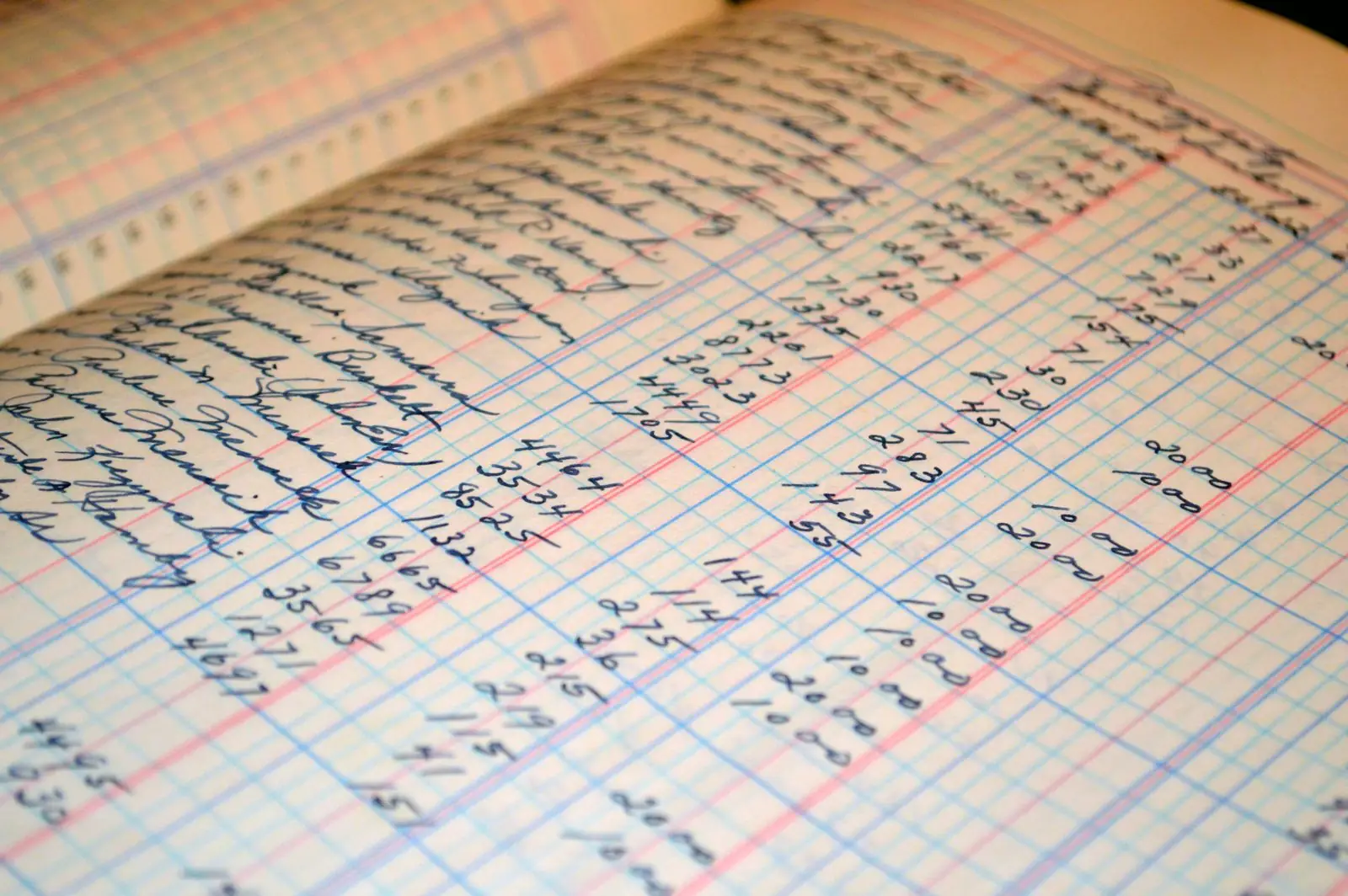
A hand-written fee register, the kind of list you paste in
1

Screen 1 — the list

Pick the job (appointment, payment due, or class), paste your list and type your business name. You see the script with every name, amount and date filled in before anything goes out.

2

Screen 2 — your message

Record 20 seconds on your phone or keep our standard voice. Call your own number to hear it (not charged). Pick now or tomorrow 10 AM, pay, and the calls go out.

3

Results

Your results page fills in as calls complete: answered, pressed 1, pressed 2, asked to stop, no answer. The call-back list is at the top. Download Excel, or turn on the monthly plan when you’re ready.

FAQ

Questions owners ask first

Does it need WhatsApp or any setup?
No. Paste a list, record a message, pay. Nothing to connect, nothing to verify.
Is my number shown?
Calls go out from a number assigned to your business. Your business name is spoken in the call — in your own voice.
What if they press 2?
Press 2 means “not now — call me back.” They go to the top of your results list, and we do not call them again automatically.
When do the calls go out?
Between 10 AM and 6 PM, your customers’ local time. No answer? We try again within those hours.
Can a customer stop the calls?
Yes. Every call lets the customer press 9 to stop further calls, and we honour it automatically.
Pricing by region

Pay per run, or monthly for 300 answered calls.

Prices are set per country in local currency. Choose your region.

For your existing customers who have agreed to hear from you. Local calling rules apply and you confirm them when you upload your list.